
To do a Secret Santa draw online, put everyone's names into a draw that shows each person only their own match. A Secret Santa generator does this by email, and some send a private link instead, so nobody has to share an email address. If you want to draw live on the big screen, pick a format where the giver stays secret even though the draw is public, such as a mystery gift swap.
The draw is only half of it. People are happier with gifts they asked for. In a 2011 study in the Journal of Experimental Social Psychology, Francesca Gino and Francis Flynn found that recipients appreciated gifts they had requested more than gifts they had not, while givers assumed both would be appreciated equally. So a good Secret Santa draw collects a short wish list along with each name.
We have run a Secret Santa for our own team at AhaSlides every December since 2020, with colleagues in the office and abroad. This guide covers how Secret Santa works, four ways to draw names (with and without email), a live gift swap you can run on the big screen, rules for work and a plan for a virtual Secret Santa.
How does Secret Santa work?
Secret Santa is a gift exchange where each person is secretly given one colleague to buy a gift for. Here is the whole thing in five steps:
- Everyone who wants to join adds their name. It should always be opt-in.
- The draw gives each person one name. Nobody draws themselves, and each name is drawn once.
- Everyone sticks to a budget. A set price range keeps it fair.
- Each Santa buys a gift for their person. Ideally from a wish list.
- Gifts are opened together. Some teams reveal who the Santas were, some keep it secret.
4 ways to do a Secret Santa draw, compared
There are four common ways to draw names. They differ in whether the pairings stay secret, whether people need to share an email address, and whether remote colleagues can take part.
| Method | Keeps each match secret | Needs email addresses | Remote colleagues can join | Best for |
|---|---|---|---|---|
| Paper slips in a hat | Yes, if nobody peeks | No | No | A small team in one room |
| Stocking pick with wish cards | Yes | No | Only if someone picks for them | An office that likes a little ceremony |
| Online Secret Santa generator | Yes, each person sees only their match | Some do, some send a private link | Yes | Remote or large groups who want classic hidden pairs |
| Live draw on a spinner wheel | No, the result shows on everyone's screen | No | Yes, by QR code or link | A mystery gift swap and the reveal party |
Our verdict: a spinner wheel is not a Secret Santa generator. For classic hidden pairs, use paper slips or a generator. A live spinner wheel draw is public, so it is the wrong tool for assigning secret matches in advance. It is the right tool for the party itself, where it decides who opens or picks a gift next.
How to do a Secret Santa draw without email
You can run a Secret Santa draw without asking anyone for an email address. Here are three ways.
1. Use a Secret Santa generator without email
Many online Secret Santa generators can skip email. On 20 November 2026 we checked two: Secret Santa Match says nobody needs an account or an email address to see their match, and Secret Santa Link asks for names, not email addresses. Both make a private link for each person. You type in the names, add exclusions (partners, or two people who sit side by side), and the generator gives you a private link or a text message for each person. Send each link through your work chat. Each person opens their link and sees only their own match. Check the generator's privacy policy before you add colleagues' names.
2. Run a stocking pick (how we do it)
This is how our People team ran the AhaSlides Secret Santa in 2024:
- Everyone writes a wish card. Their name and up to five gift wishes go on a card, by a set deadline.
- Cards go into stockings. One card per stocking, with the person's name on the card.
- Each Santa picks a stocking. The wishes inside are their shopping list.
- Gifts go under the tree. Each gift is labelled with the recipient's name, never the Santa's.
- Everyone opens their gifts together. Ours was at 4:30 pm on Christmas Eve.
If someone picks their own stocking, we suggest they put it back and pick again. Remote colleagues took part too: their gifts were sent to them, and they opened them online at the same time as the office. In 2025, the People team handed in wish cards on behalf of colleagues working remotely.
3. Draw slips in a hat
The classic. Write every name on a slip, fold them, and let each person draw one. If you draw your own name, put it back and draw again. It is quick for a team of 10 to 20, but it only works if everyone is in the room.
Run a live Secret Santa draw online on AhaSlides
Getting everyone involved should feel like part of the party, not an admin job bolted onto it. On AhaSlides, an all-in-one engagement platform for teams and classrooms, colleagues join from their phones with a QR code or link, in the room or on a video call. Here are three live formats.
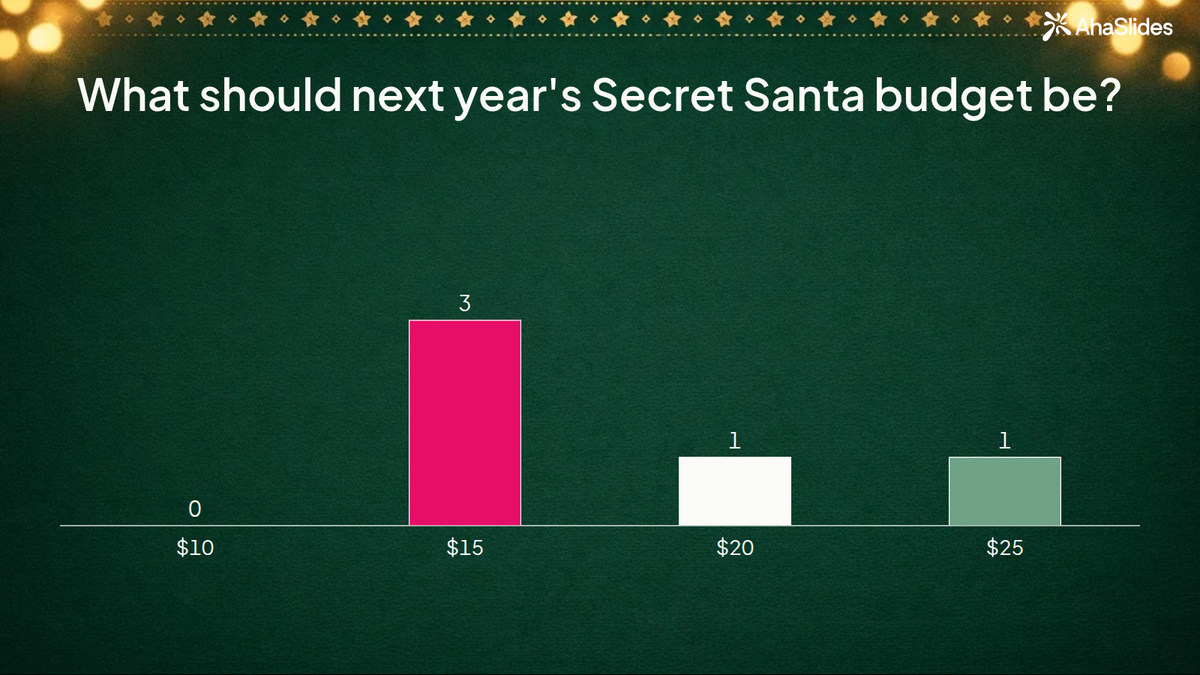
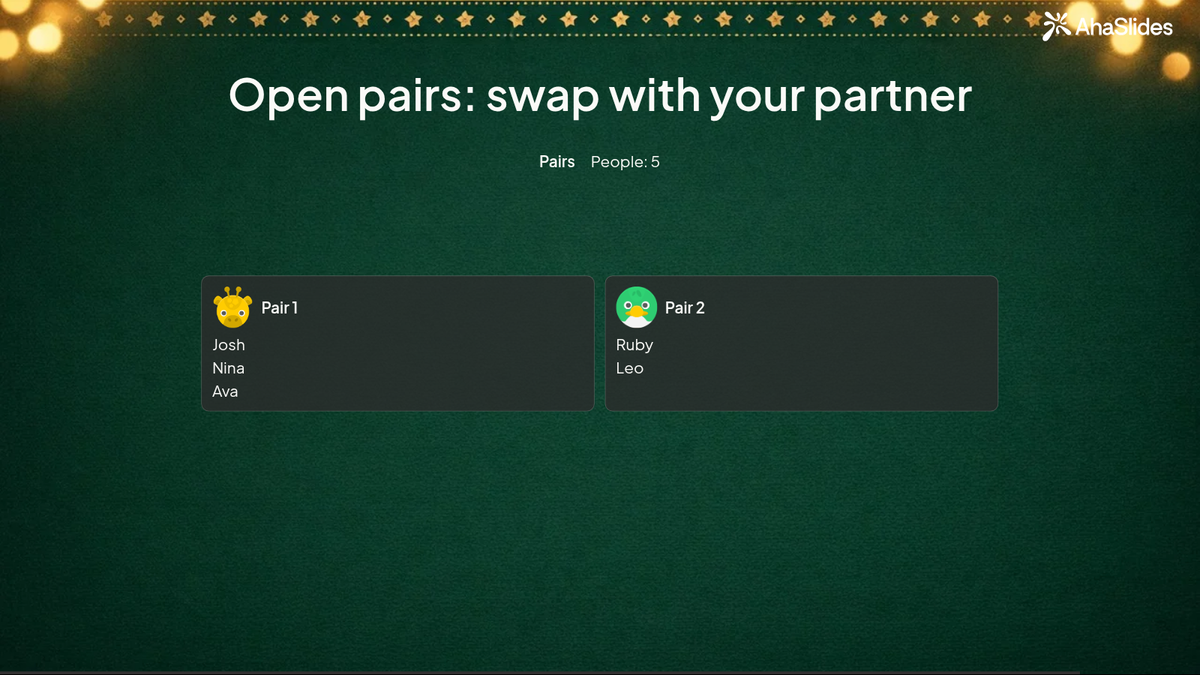
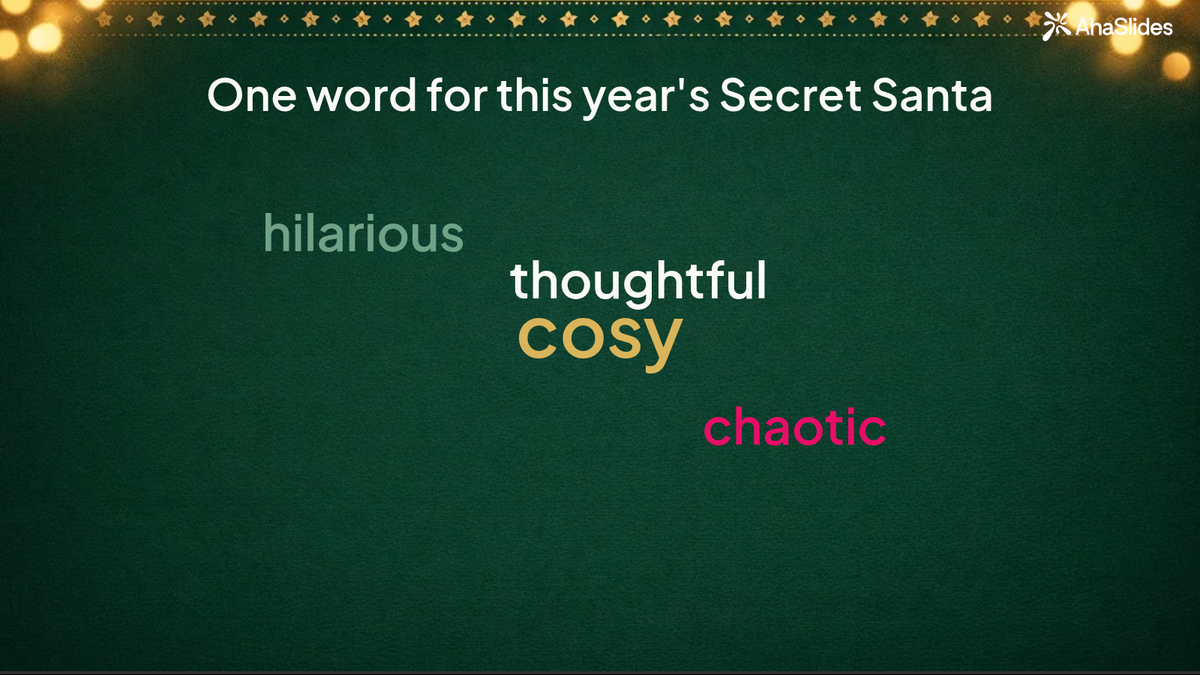
Want all three in one deck? The Secret Santa swap night template has 10 slides: house rules, a budget poll, the gift-pick wheel, the reveal wheel, a guess-the-Santa poll with no answer ticked, a Random Pair Generator for open pairs and a closing word cloud. The shared preview shows the Random Pair slide empty; it runs when you present:
The Secret Santa Swap Night template uses four interactive slide types (Poll, Spin the wheel, Random Pair Generator and Word Cloud), more than the free plan's limit of 2 per presentation. On the free plan, up to 50 people can join, and a Spin the wheel plus a Poll fits the limit. Adding the Random Pair Generator or a word cloud as a third type needs a paid plan.
The mystery gift swap
This version keeps every giver secret, even though the draw happens in front of everyone.
- Everyone brings one wrapped gift within the budget. No name tag, so nobody knows who brought what.
- Put the gifts on one table.
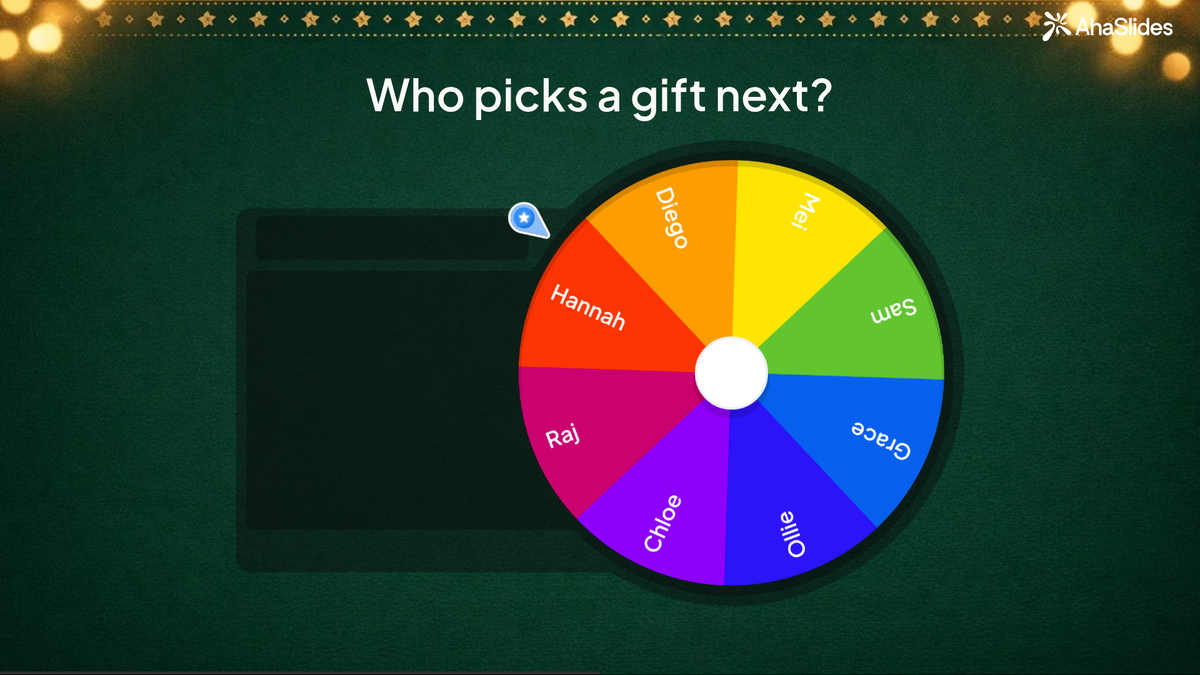
- Add a Spinner Wheel slide with participant name autofill turned on. Everyone who joins is added to the wheel by name.
- Spin to choose who picks a gift next. The name shows on the big screen and on every phone.
- Use Remove entry after each turn. That person is left out of the next spins, so everyone picks once.
- Picked your own gift? Swap it with the next person.
Prefer to paste a list instead? A name wheel spinner takes up to 5,000 typed entries.
The reveal party
If you assigned secret matches with a generator or paper slips, use the wheel at the party to decide who opens their gift next. Before each person opens theirs, ask everyone to guess the Santa with a quick quiz question: list four colleagues as the answer choices. The Santa then owns up.
The Work Christmas Party Kit template has a "Secret Santa reveal: who opens a gift next?" wheel, along with awards, a quick quiz and a duck race raffle:
Open pairs
Some teams prefer to swap gifts in pairs, with no secret at all. The Random Pair Generator pairs everyone up on the big screen, and each pair swaps gifts with each other. With an odd number of people, Pairs mode makes one group of three. The Random Pair Generator is on Global and US accounts first, and not yet on EU accounts. Try the Office Secret Santa Generator in Demo mode.
Want the swap as part of a full party? The Jingle All the Way template has a Yankee swap wheel among eight party games.
How to run a virtual Secret Santa
A virtual Secret Santa works the same way, with one extra step: getting gifts to people's homes.
- Draw names with a generator. Remote colleagues need hidden matches assigned in advance, so use a generator with private links.
- Collect wish lists and delivery details privately. Let people share an address only with their Santa, or have one organiser send gifts on their behalf.
- Set a budget that includes delivery. Or suggest digital gifts, such as a gift card or an online class.
- Set a ship-by date. We suggest about 7 to 10 days before the call gives parcels time to arrive; allow longer for parcels abroad.
- Open the gifts together on a video call. Use a Spinner Wheel to pick who opens next, so nobody waits to be called on.
Secret Santa rules for work
- Ask for a wish list. Recipients appreciate requested gifts more than unrequested ones, and givers tend to underestimate that (Gino and Flynn, 2011). We suggest three to five ideas per person; that number is our own rule of thumb, not the study's finding.
- Set a price range with a minimum. Our team sets a lower limit as a fairness rule, so nobody opens a gift worth far less than the one they gave. In 2025 our range was 250,000 to 400,000 VND.
- Let the team vote on the budget. A quick anonymous poll lets people choose without saying out loud what they can afford.
- Make it opt-in. Nobody should feel they have to join.
- Keep gifts suitable for work. No jokes at someone's expense, nothing you would not open in front of your manager.
- Label gifts with the recipient's name only. The Santa's name stays off the tag until the reveal.
- Call it a gift swap if not everyone celebrates Christmas. The rules work for any year-end party.
Frequently asked questions
How do you do a Secret Santa draw online without email?
Use a generator that gives each person a private link instead of an email. Secret Santa Match and Secret Santa Link both did when we checked on 20 November 2026. Type in the names, add any exclusions, and send each person their link through your work chat.
Can you use a spinner wheel for Secret Santa?
Yes, for the party, not for secret matches. A spinner wheel shows its result to everyone, so use it to choose who picks or opens a gift next. Assign hidden matches with a generator or paper slips.
What are the rules of Secret Santa at work?
Opt in, draw one name each, stick to the budget and keep gifts suitable for work. Ask for a wish list, and label gifts with the recipient's name, not the Santa's.
How do you do a virtual Secret Santa?
Draw names with an online generator, collect wish lists and addresses privately, and set a ship-by date 7 to 10 days before a video call. Open the gifts together on the call.
How much should you spend on Secret Santa at work?
Many teams set a cap; our own People team used 250,000 to 400,000 VND (about $10 to $15) in recent years. Set a minimum and a maximum your team agrees on, and let people vote anonymously, so nobody has to say what they can afford in front of colleagues.
Related posts
- Drawing prizes at the same party? See 40 raffle prizes for a company party, sorted by budget.
- Want a warm-up before the swap? Try these Christmas icebreakers for work.
- Still choosing a theme for the party? Browse our year-end party themes.
- Planning the games as well? Try our office Christmas party games.
- For themes, activities and remote options, see our work Christmas party ideas.
- Need a quiz round for the party? Take one from our holiday trivia questions.
- Comparing name pickers? Read our alternatives to Wheel of Names.