Every educator has felt it: you are trying to run an online class, but the platform is not quite right. It is too complicated, it is missing a feature you rely on, or it will not talk to the tools you already use. Thousands of teachers search for Google Classroom alternatives every month for exactly these reasons.
Whether you lecture hybrid university courses, onboard new employees, run professional development workshops, or teach several secondary classes at once, the right platform changes how well you reach your learners. This guide compares seven Google Classroom alternatives on features, price and use case, and shows where a full learning management system (LMS) ends and an engagement tool begins.
What a learning management system does
A learning management system is a platform for creating, delivering, managing and tracking learning. It hosts content, distributes assignments, records grades and handles communication in one place.
The strongest systems share a few traits: an interface that does not demand technical training, flexible content delivery across media types, solid assessment and feedback tools, clear analytics on learner progress, and reliable integration with the rest of your tech stack.
Why educators look past Google Classroom
Google Classroom launched in 2014 and made digital teaching accessible by pairing a free, simple workflow with Google Workspace. By 2021 it served more than 150 million users, a number that surged during the pandemic. Its limits still push people to look elsewhere:
- Thin feature set. Many teachers do not count it as a true LMS: it lacks automated quiz generation, detailed learning analytics, custom course structures and proper grading rubrics.
- Ecosystem lock-in. The tight Workspace integration turns into friction the moment you need Microsoft Office or specialist software.
- Data concerns. Some institutions and countries have reservations about Google's data practices, which matters most in corporate training where information is confidential.
- Weak live engagement. It distributes content well but offers almost nothing for interactive, participatory sessions.
- Age limits. Learners under 13 face awkward access requirements, and some accessibility features lag behind mature platforms.
A note on Edmodo: older "alternatives" lists still name it. Edmodo shut its free platform down on 22 September 2022, so it is no longer a live option and is left off this list on purpose.

Quick comparison table
| Tool | Best for | Starting price | LMS or engagement |
|---|---|---|---|
| Canvas LMS | Large institutions needing depth | Free tier; paid by institution | Full LMS |
| Moodle | Customisation and data control | Free software; you host | Full LMS |
| Schoology | K-12 districts | Free tier; paid Enterprise | Full LMS |
| Microsoft Teams for Education | Microsoft schools | Free with education account | Communication plus LMS features |
| AhaSlides Course Builder | Building and delivering interactive courses | Free tier; paid education plans | Course delivery plus engagement |
| GetResponse Course Creator | Selling self-paced courses | Paid, from marketing suite | Course creation |
| HMH Classcraft | K-8 standards-aligned instruction | District licensing (contact sales) | Curriculum delivery |

Canvas LMS
Canvas, from Instructure, is one of the most capable systems in education, used by major universities, districts and corporate training teams. Its modular course structure lets you break content into clear pathways, automatic notifications keep learners on top of deadlines, and it connects to hundreds of third-party tools with strong uptime.
Canvas is at its best for collaborative learning, with discussion boards, group assignments and peer review that create genuine interaction.
- Where it fits: large institutions, extensive employee development, and any context needing detailed reporting for accreditation.
- Price: a free tier for individuals, with institutional pricing that scales by learner numbers.
- Watch for: it can feel heavy for simple needs, and advanced customisation has a steep curve.
Moodle
Moodle is the world's most widely adopted open-source LMS, running in institutions and governments across more than 240 countries since 2002. Because it is open source, teams with technical capacity can shape every part of it, with no licensing fees.
Its pedagogical depth sets it apart: conditional activities, competency-based progression, peer assessment, workshops, badges and detailed reporting.
- Where it fits: institutions with technical support that want full customisation and data sovereignty.
- Price: the software is free; hosting, maintenance and support need investment.
- Watch for: a real learning curve for admins, and plugin quality that needs vetting.
Schoology
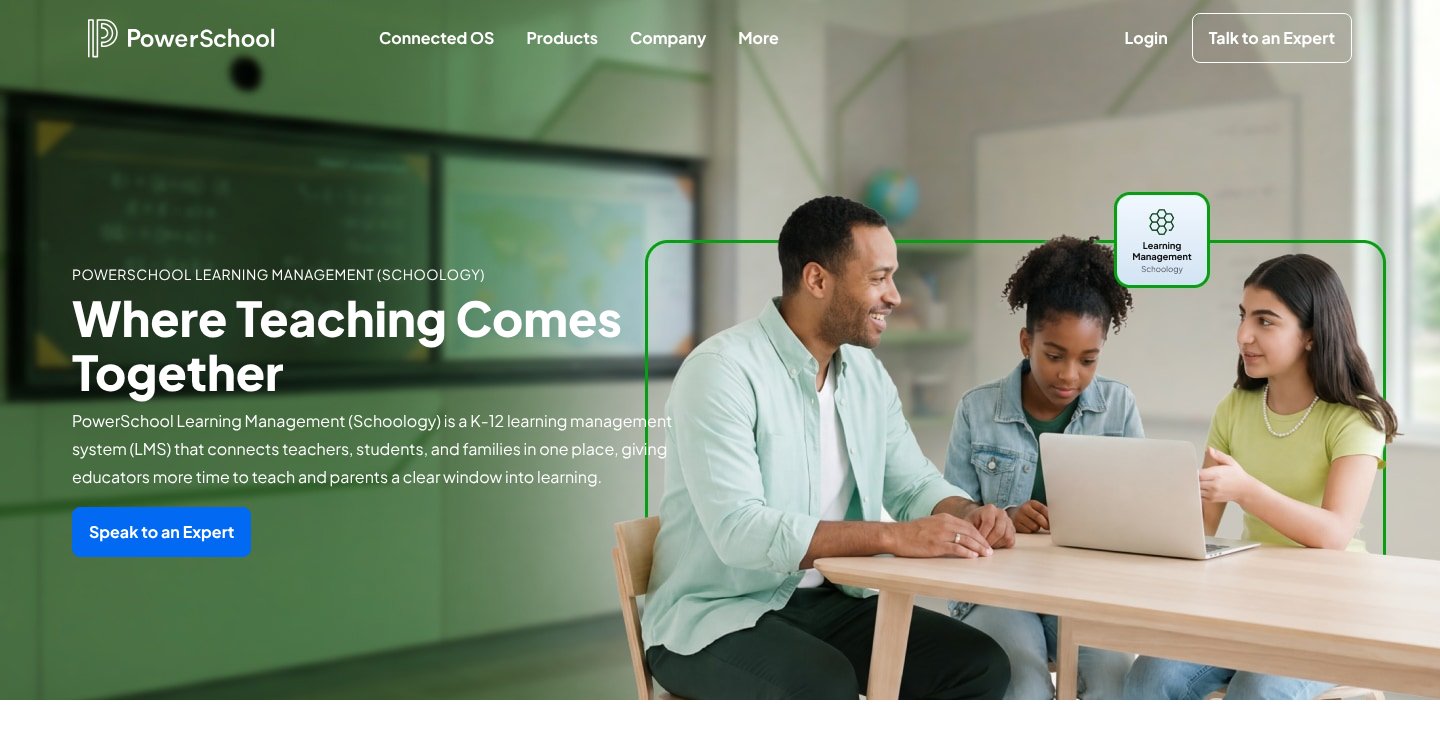
Schoology, part of PowerSchool, is a full LMS built with K-12 districts in mind, combining course management with a familiar, social-style interface. It handles assignments, grading, assessments and parent communication, and integrates with the student information systems districts already run.
It keeps the community feel that made older tools popular, while offering the reporting and administrative control a district needs.
- Where it fits: schools and districts wanting one LMS across many classes, with strong parent visibility.
- Price: a free Basic tier for individual teachers; paid Enterprise for districts.
- Watch for: the richest features sit in the paid Enterprise tier.
Microsoft Teams for Education
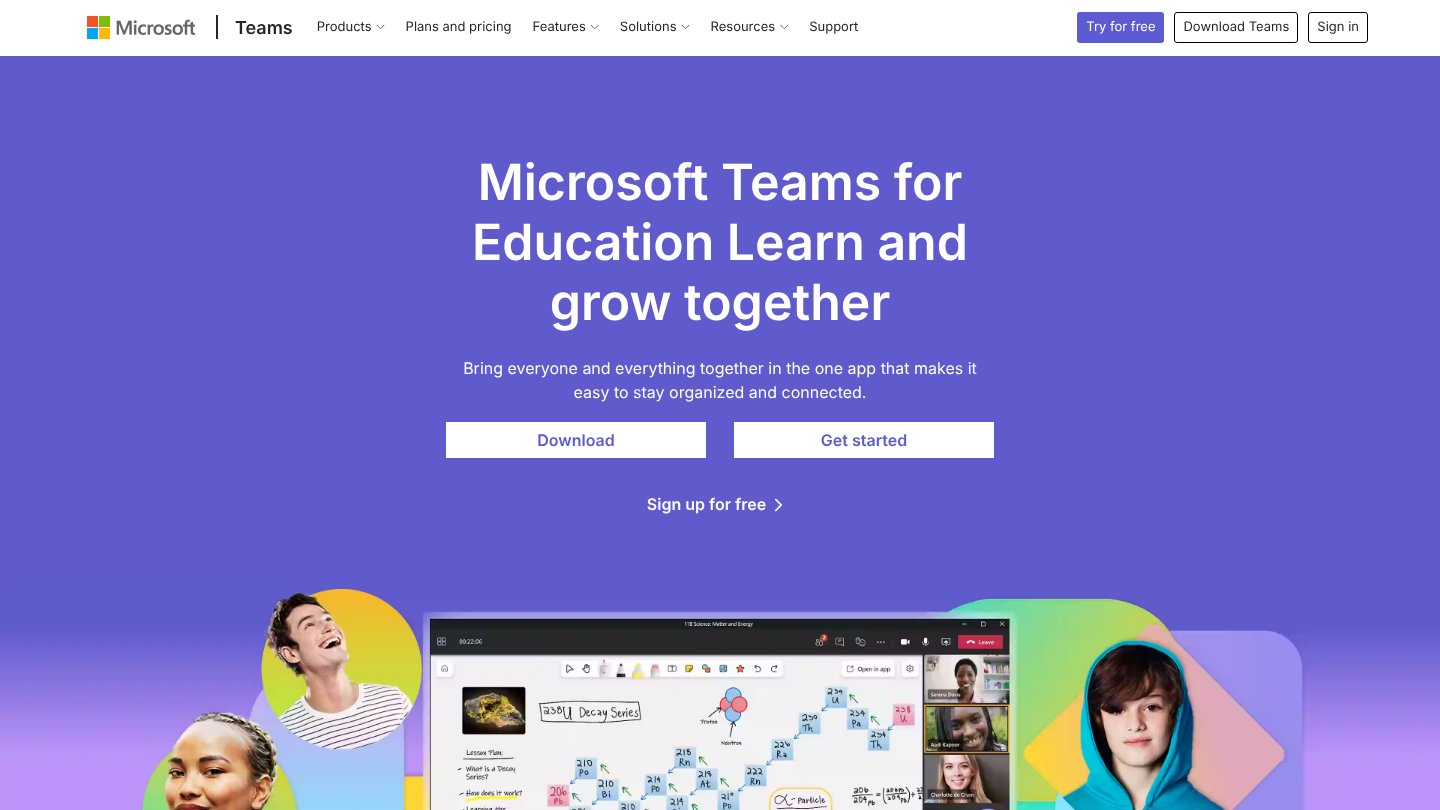
If your institution runs on Microsoft 365, Teams for Education is the natural Classroom alternative. It combines assignments, grading, class notebooks and video meetings with the Office tools staff and students already use, all free with an education account.
Class Teams give each group a shared space for files, chat, live lessons and coursework, and the OneNote Class Notebook adds a structured place for content and student work.
- Where it fits: Microsoft-committed schools that want communication and coursework in one hub.
- Price: free with a qualifying education account.
- Watch for: it is communication-first, so deep course analytics are lighter than a dedicated LMS.
AhaSlides Course Builder
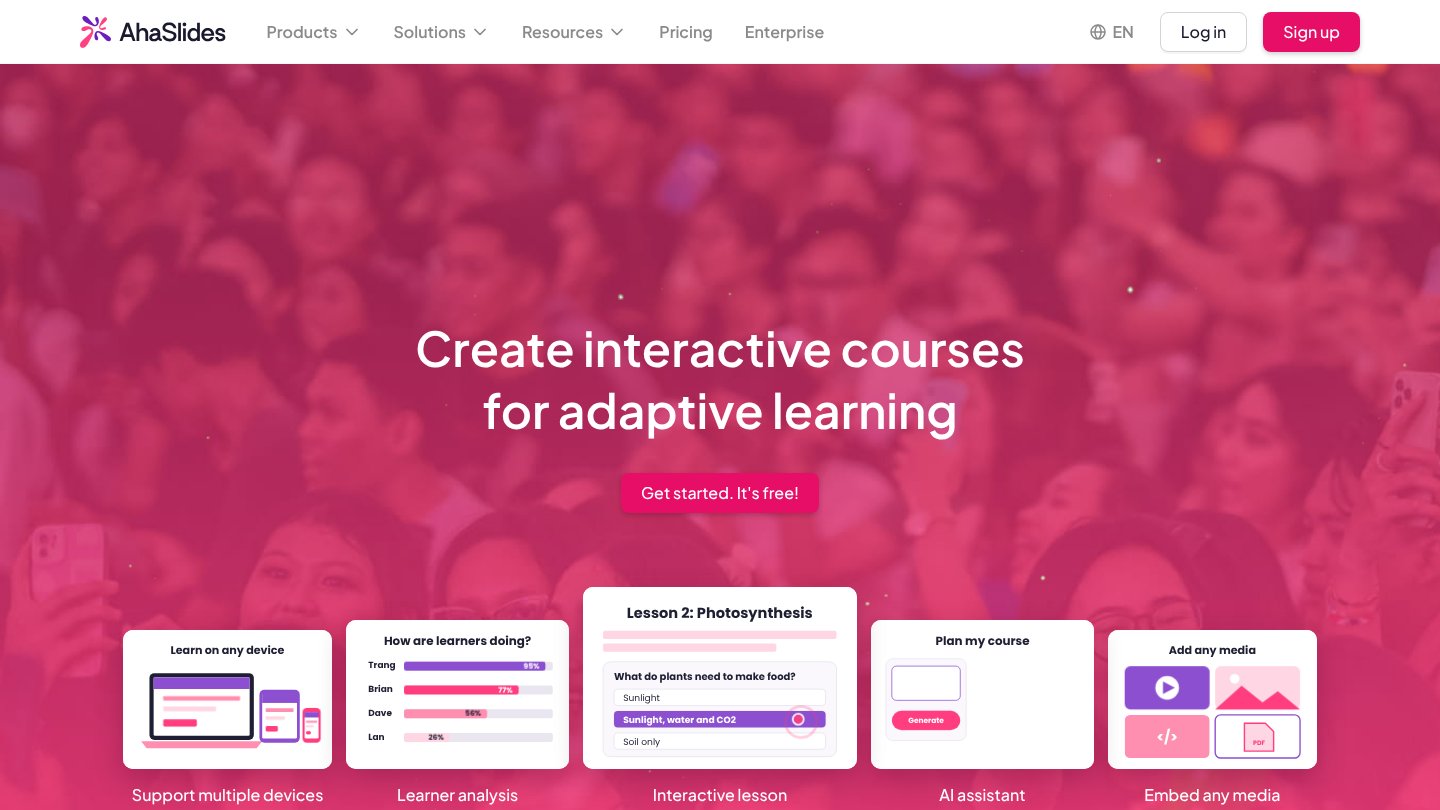
Google Classroom is really a course-delivery tool, and that is exactly what AhaSlides Course Builder is built for. One account gives you the course platform alongside presentations, quizzes, polls and surveys, so you can build a structured online course and keep it genuinely interactive.
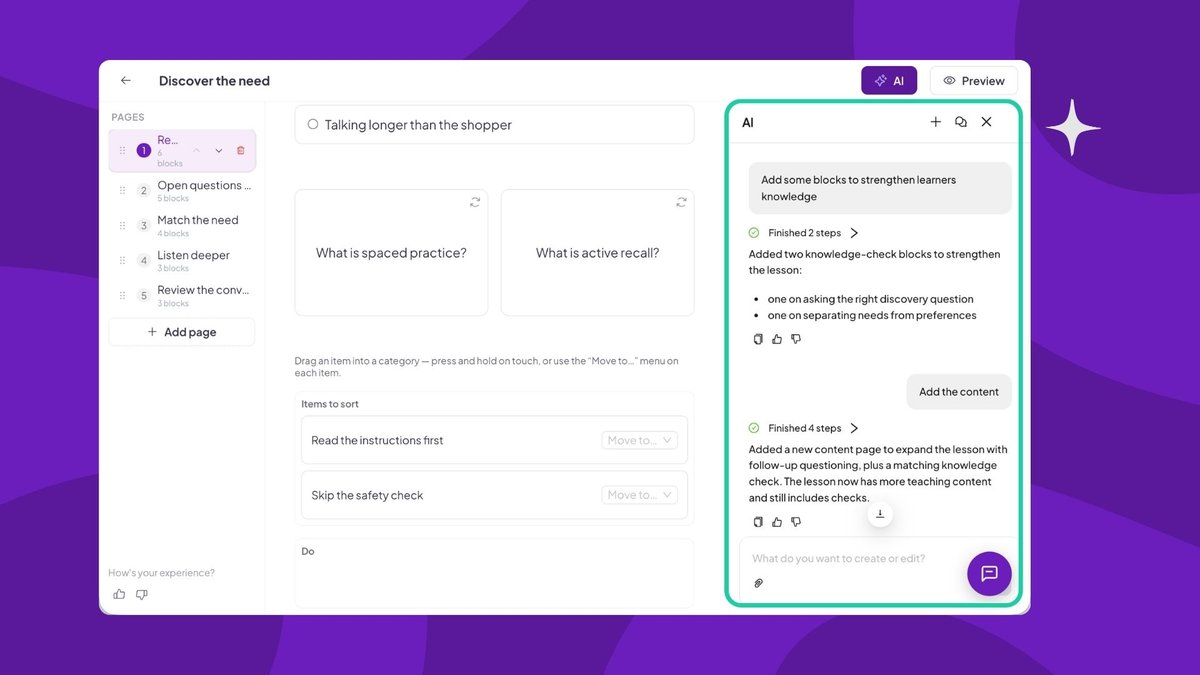
The block-based editor lets you organise modules and lessons and embed images, video, attachments, flashcards and interactive slides. A built-in AI assistant drafts whole lesson structures, learners move through a clean, distraction-free interface that shows their progress, and quizzes are graded automatically. Where Classroom leaves engagement to chance, Course Builder makes retrieval practice, instant feedback and discussion part of the lesson itself.
- Where it fits: teachers and trainers who want to build and deliver courses that learners actually finish, plus live sessions that hold attention.
- Price: a generous free tier, with education plans priced for teaching budgets.
- Watch for: it focuses on course delivery and engagement rather than district-wide administration, so pair it with an SIS if you need one.
GetResponse Course Creator
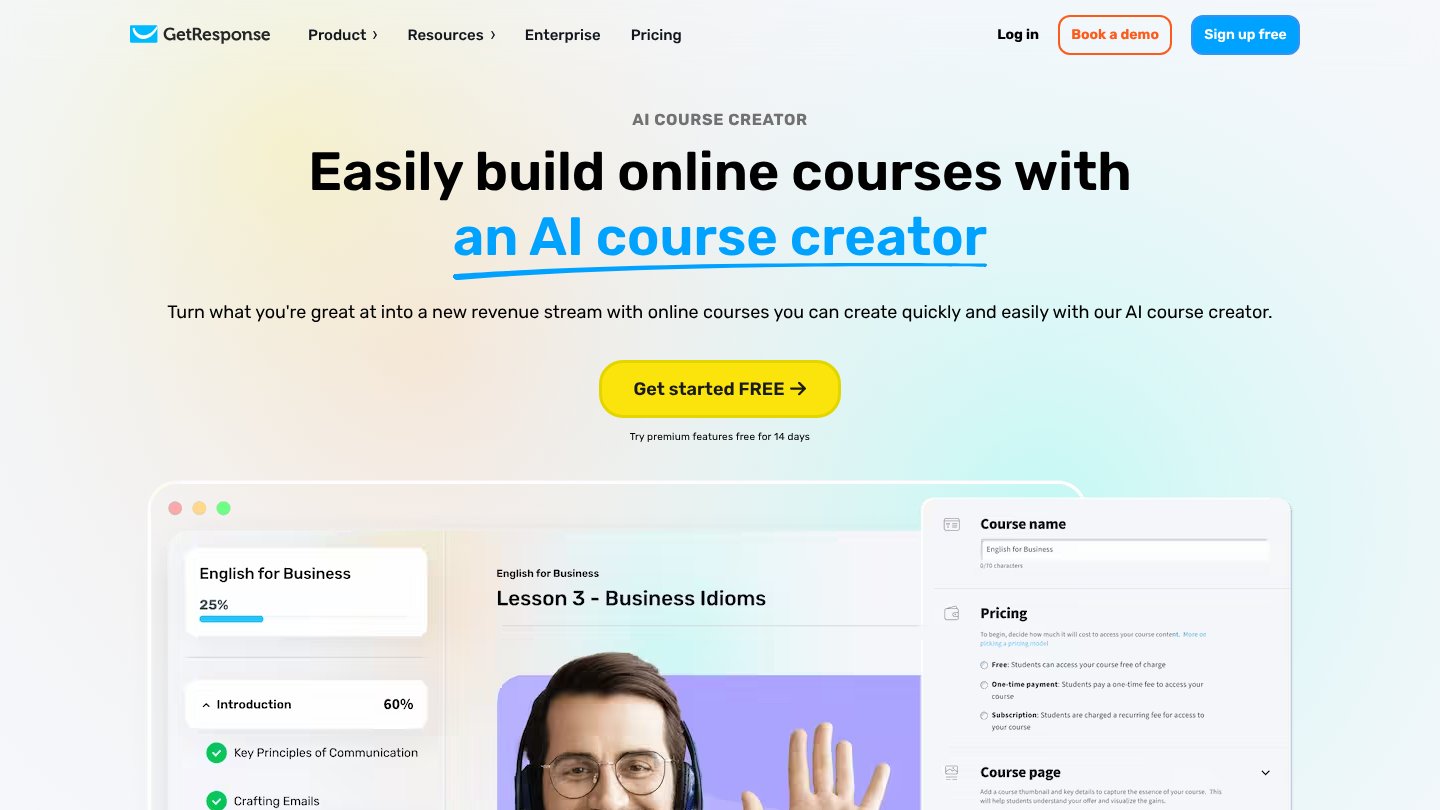
The GetResponse AI Course Creator sits inside the wider GetResponse marketing suite, alongside email automation, webinars and a website builder. It builds multi-module courses quickly with AI, no coding required, using modules for audio, webinars, video and external resources, and can issue certificates on completion.
- Where it fits: creators and businesses selling self-paced courses who want marketing built in.
- Price: paid, as part of the GetResponse suite.
- Watch for: it suits self-learners and course sales, not a live classroom.
HMH Classcraft
The original Classcraft, a much-loved gamification and behaviour tool, was taken offline on 30 June 2024. Houghton Mifflin Harcourt relaunched the name in 2024 as HMH Classcraft, a whole-class instruction tool for K-8 English language arts and mathematics, drawing ready-made, standards-aligned lessons from HMH's Into Math, Into Reading and Into Literature programmes.
The rebuild dropped the behaviour-management gamification many teachers valued, so treat it as a curriculum-delivery tool, not the old points-and-quests platform.
- Where it fits: K-8 schools using HMH curriculum that want planning time back and real-time formative assessment.
- Price: district-level licensing; contact HMH for a quote.
- Watch for: it covers only K-8 ELA and maths, and needs HMH curriculum for full value.

How to choose for your context
Pick against your real priorities rather than a feature list:
- Your main job. Managing full courses with modules, assessment and long-term tracking points to Canvas, Moodle or Schoology. Building and delivering interactive courses points to AhaSlides Course Builder.
- Your learners. Large formal cohorts benefit from a heavyweight LMS; smaller groups and workshops often do better with something simpler.
- Your support. Moodle rewards technical capacity; Canvas, Schoology and AhaSlides ask less of a solo educator.
- Your budget. Weigh licence cost against the time needed to learn, build and maintain the platform.
- Your ecosystem. Committed to Microsoft or Google? Choose the tool that fits, then add an engagement layer on top.
Most effective educators combine tools: an LMS for structure and content, plus an interactive layer such as AhaSlides for live sessions that drive retention. The point is not one platform that does everything adequately, but the right tool for each part of your teaching.
A closer look at AhaSlides Online Course
If your search for a Google Classroom alternative is really about building and delivering courses, AhaSlides Online Course is worth a proper look. Its AI course creator turns documents you already have, from PDFs and presentations to lesson notes, into a structured course in minutes, auto-organised along Bloom's Taxonomy so the flow moves from recall to higher-order thinking. From there the block-based builder lets you add rich text, images, video, flashcards and interactive slides, then layer in auto-graded quizzes, knowledge checks and pre and post-course assessments that score themselves. Completion and analytics dashboards track every learner and flag the ones who need support, and you can run the same course live with a cohort or leave it self-paced, with no app for learners to install. It also connects to the platforms schools and training teams already run, including Canvas, Brightspace, Blackboard, Moodle, Docebo, SAP Litmos and Cornerstone OnDemand, and delivery is free.
Frequently asked questions
Is there a free alternative to Google Classroom?
Yes. Moodle's software is free to use, Canvas and Schoology offer free tiers for individual teachers, Microsoft Teams for Education is free with an education account, and AhaSlides has a free tier for building courses and running live sessions.
What is the best Google Classroom alternative for higher education?
Canvas and Moodle are the usual choices for universities, thanks to their course depth, analytics and integrations. AhaSlides Course Builder complements either by keeping large lectures interactive.
Is Edmodo still available as an alternative?
No. Edmodo shut its free platform down on 22 September 2022, so it should not appear on a current shortlist.
Which alternative is best for corporate training?
Canvas and Moodle suit large, structured programmes, while AhaSlides Course Builder is strong for interactive onboarding and workshops where engagement drives retention.