


Most quiz maker guides lump every tool together as if they all solve the same problem. They don't. A live quiz you run during a meeting is fundamentally different from a standalone assessment students complete at home, which is nothing like a personality quiz designed to capture leads on your website.
We've tested dozens of quiz makers across education, corporate training, and marketing use cases. This guide organizes the best options by what you actually need them for, so you can skip straight to the right tool instead of reading about 25 platforms that don't match your situation.
How to choose the right quiz maker
Before diving into specific tools, answer one question: do participants take the quiz together or separately?
Live interactive quiz makers run quizzes during presentations, meetings, or classes. Participants join from their phones, answers appear on screen in real time, and leaderboards keep energy high. These integrate directly into your existing slides. Best for: training sessions, team meetings, conferences, classrooms. Examples: AhaSlides, Mentimeter, Slido.
Standalone quiz platforms create assessments people complete independently on their own time. You share a link, people finish when convenient, and you review results later. Best for: homework, certifications, compliance training, employee assessments. Examples: Google Forms, ProProfs, Jotform.
Marketing and lead generation quiz builders create personality quizzes and scored assessments designed to capture email addresses and segment audiences. Best for: website engagement, lead capture, product recommendations. Examples: Typeform, Interact, Opinion Stage.
Gamified learning platforms focus heavily on competition, timers, and game mechanics for educational settings. Best for: K-12 classrooms, student review games, informal team building. Examples: Kahoot, Quizizz, Blooket.
Most people looking for a "quiz maker" actually need a live interactive tool but end up with a standalone form builder because they don't realize the distinction exists. If your audience is gathered in a room (physical or virtual), you need category one.
The 11 best quiz makers by use case
Best for live presentations and meetings
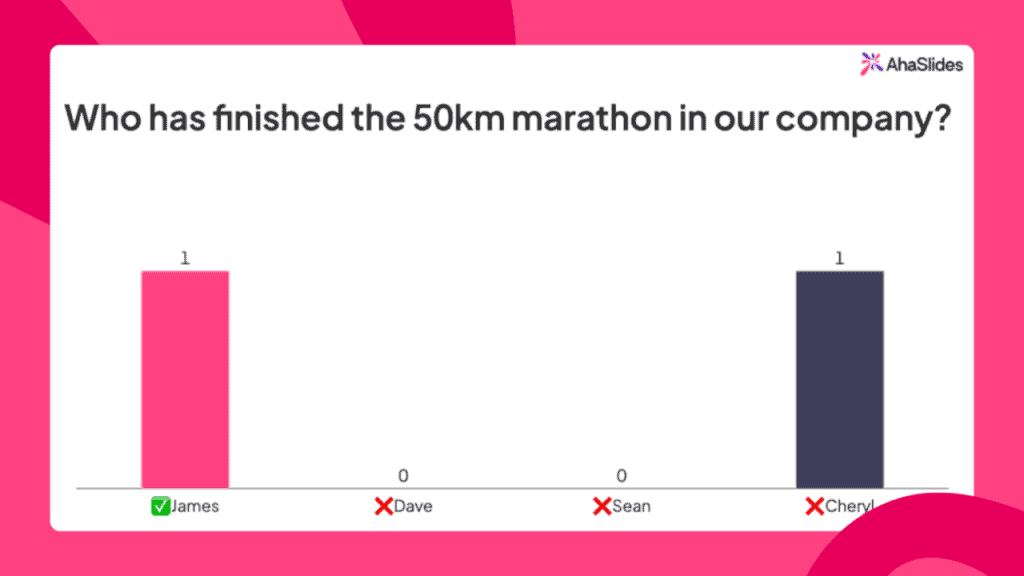
1. AhaSlides - best all-in-one interactive presentation tool
What it does differently: Combines quizzes with polls, word clouds, Q&A, and slides in one presentation. Participants join via code on their phones - no downloads, no accounts. Results display live on your shared screen.
Perfect for: Virtual team meetings, corporate training, hybrid events, professional presentations where you need multiple interaction types beyond just quizzes.
Key strengths:
- Works as your entire presentation, not just a quiz bolt-on
- Multiple question types (multiple choice, type answer, matching pairs, categorise)
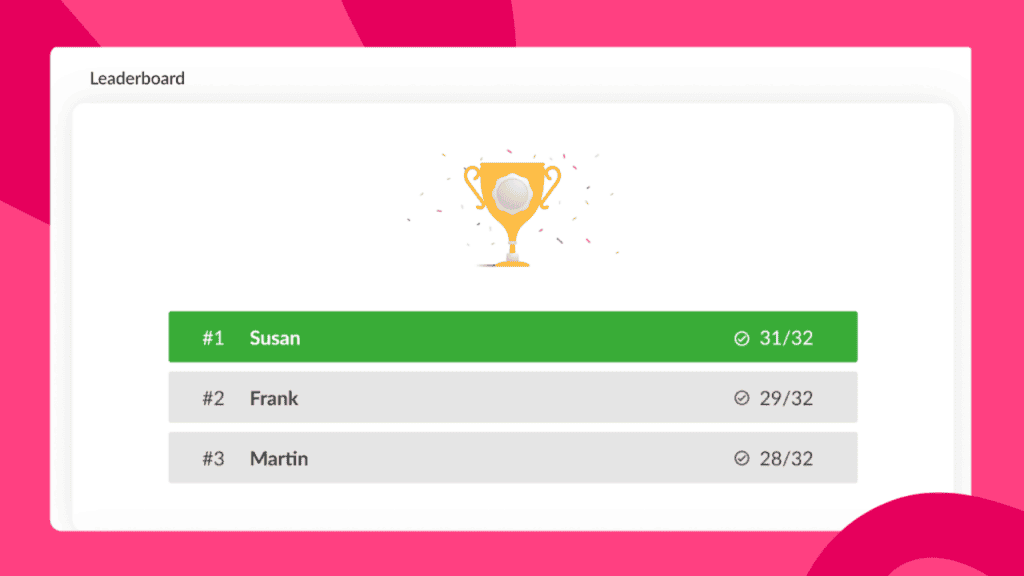
- Automatic scoring and live leaderboards
- Team modes for collaborative participation
- Free plan includes 50 live participants
Limitations: Less game-show flair than Kahoot, fewer template designs than Canva.
Pricing: Free for basic features. Paid plans from $7.95/month.
Use this when: You're facilitating live sessions and need professional, multi-format engagement beyond just quiz questions.
Already built your deck in Canva? You can run an AhaSlides quiz right on a Canva slide while players answer on their phones.
2. Kahoot - best for gamified classroom energy
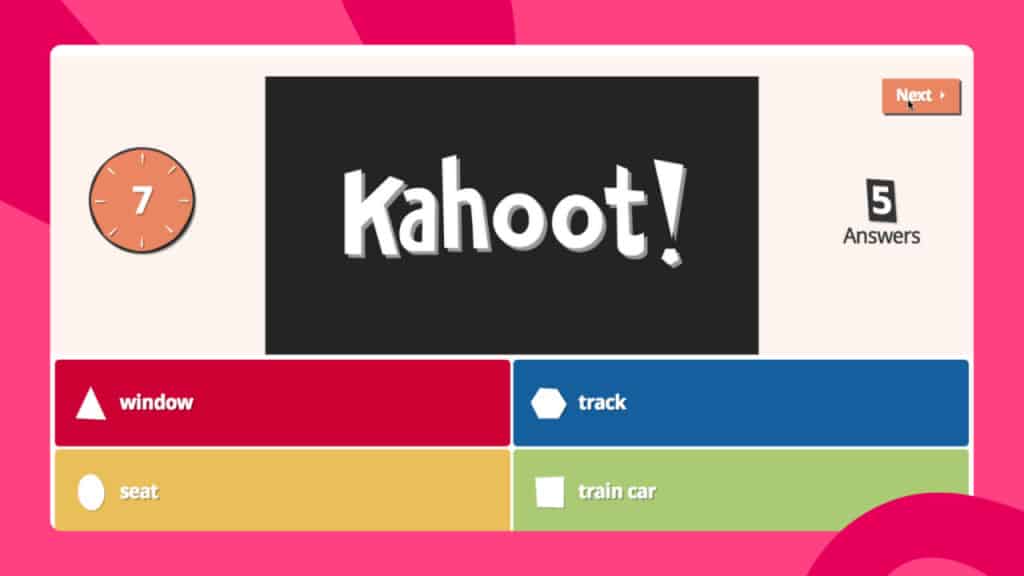
What it does differently: Kahoot has a game-show style format with music, timers, and high-energy competition. Dominated by education users but works for casual corporate settings.
Perfect for: Teachers, informal team building, younger audiences, situations where entertainment matters more than sophistication.
Key strengths:
- Massive question library and templates
- Extremely engaging for students
- Simple to create and host
- Strong mobile app experience
Limitations: Can feel juvenile in serious professional settings. Limited question formats. Free version shows ads and branding.
Pricing: Free basic version. Kahoot+ plans from $3.99/month for teachers, business plans significantly higher.
Use this when: You're teaching K-12 or university students, or running very casual team events where playful energy fits your culture.
3. Mentimeter - best for large corporate events
What it does differently: Mentimeter specialies in large-scale audience engagement for conferences, town halls, and all-hands meetings. Slick, professional aesthetic.
Perfect for: Corporate events with 100+ participants, situations where visual polish matters tremendously, executive presentations.
Key strengths:
- Scales beautifully to thousands of participants
- Very polished, professional designs
- Strong PowerPoint integration
- Multiple interaction types beyond quizzes
Limitations: Expensive for regular use. Free plan very limited (2 questions, 50 participants). Can be overkill for small teams.
Pricing: Free plan barely functional. Paid plans from $13/month, scaling significantly for larger audiences.
Use this when: You're running major corporate events with large audiences and have budget for premium tools.
4. Slido - best for Q&A combined with polling
What it does differently: Slido (now part of Cisco Webex) started as Q&A tool, added polling and quizzes later. It excels at audience questions more than quiz mechanics.
Perfect for: Events where Q&A is the primary need, with polls and quizzes as secondary features.
Key strengths:
- Best-in-class Q&A with upvoting
- Clean, professional interface
- Good PowerPoint/Google Slides integration
- Works well for hybrid events
Limitations: Quiz features feel like an afterthought. More expensive than alternatives with better quiz capabilities.
Pricing: Free for up to 100 participants. Paid plans from $17.5/month per user.
Use this when: Q&A is your main requirement and you occasionally need polls or quick quizzes.
Best for standalone assessments and testing
5. Google Forms - best completely free option
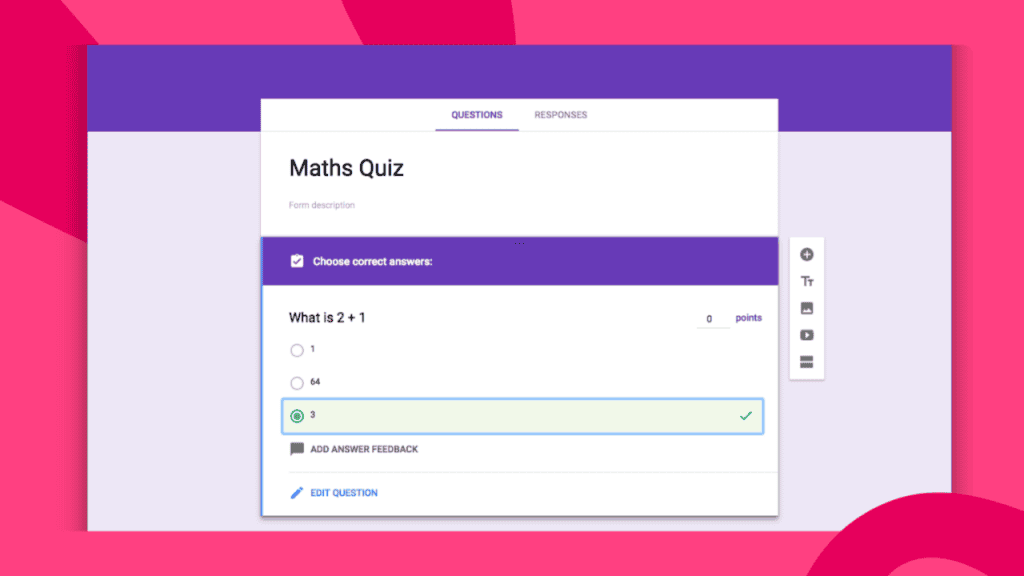
What it does differently: Dead simple form builder that doubles as quiz maker. Part of Google Workspace, integrates with Sheets for data analysis.
Perfect for: Basic assessments, feedback collection, situations where you just need functional rather than fancy.
Key strengths:
- Completely free, no limits
- Familiar interface (everyone knows Google)
- Auto-grading for multiple choice
- Data flows directly to Sheets
Limitations: Zero live engagement features. Basic design options. No real-time participation or leaderboards. Feels dated.
Pricing: Entirely free.
Use this when: You need a simple quiz people complete independently, and you don't care about presentation integration or real-time engagement.
6. ProProfs - best for formal training assessments
What it does differently: ProProfs delivers enterprise-grade assessment features including compliance tracking, certification management, advanced reporting, and question bank management. It supports 20+ question types including hotspot, drag-and-drop, and video-based questions.
Perfect for: corporate training programs requiring formal assessments with certification and compliance tracking.
Key strengths:
- Comprehensive LMS features
- Advanced reporting and analytics
- Compliance and certification tools
- Question bank management
Limitations: Overkill for simple quizzes. Enterprise-focused pricing and complexity.
Pricing: Plans from $20/month, scaling significantly for enterprise features.
Use this when: You need formal training assessments with certification tracking and compliance reporting.
7. Jotform - best for data collection with quiz scoring
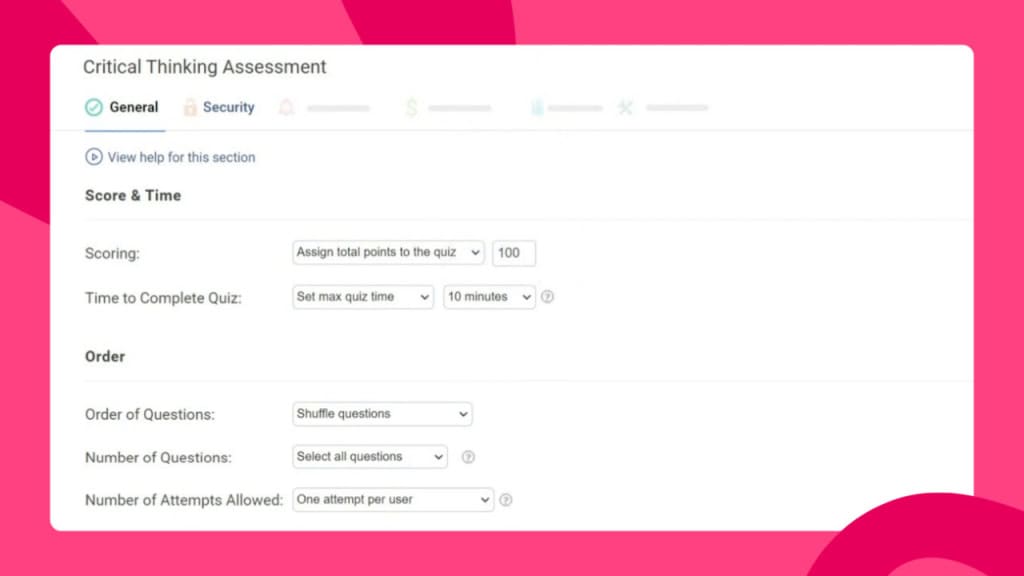
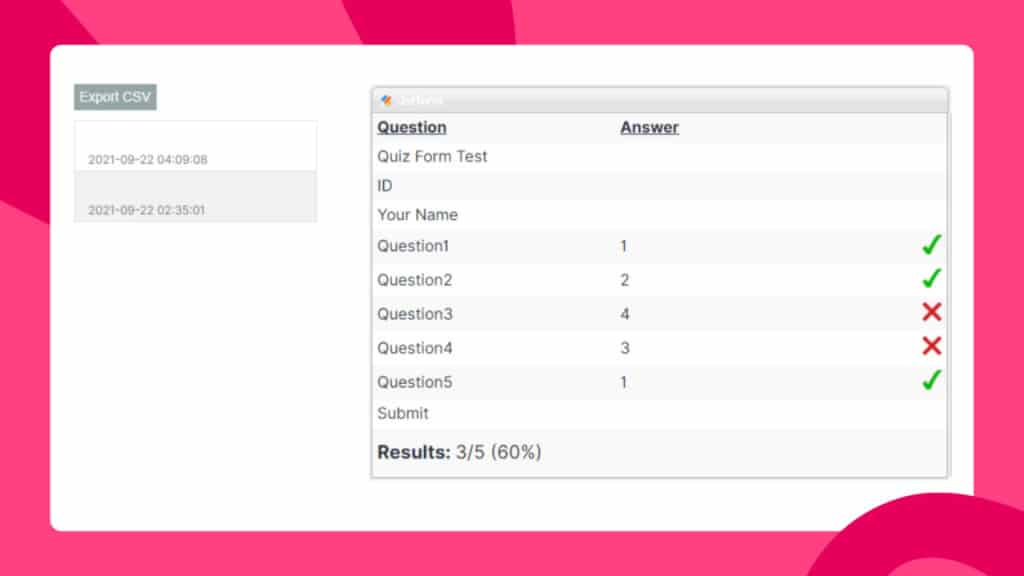
What it does differently: Form builder first, quiz maker second. Excellent for collecting detailed information alongside quiz questions.
Perfect for: Applications, registrations, surveys where you need both quiz scoring and data collection.
Key strengths:
- Massive form template library
- Conditional logic and calculations
- Payment integration
- Powerful workflow automation
Limitations: Not designed for live engagement. Quiz features basic compared to dedicated quiz tools.
Pricing: Free plan includes 5 forms, 100 submissions. Paid from $34/month.
Use this when: You need comprehensive form functionality that happens to include quiz scoring.
Best for marketing and lead generation
8. Typeform - best for beautiful branded quizzes
What it does differently: Conversation-style forms with gorgeous design. One question per screen creates focused experience.
Perfect for: Website quizzes, lead generation, anywhere aesthetics and brand presentation matter enormously.
Key strengths:
- Stunning visual design
- Highly customisable branding
- Logic jumps for personalisation
- Great for lead capture workflows
Limitations: No live engagement features. Designed for standalone quizzes, not presentations. Expensive for basic features.
Pricing: Free plan very limited (10 responses/month). Paid plans from $25/month.
Use this when: You're embedding a quiz on your website for lead generation and brand image matters.
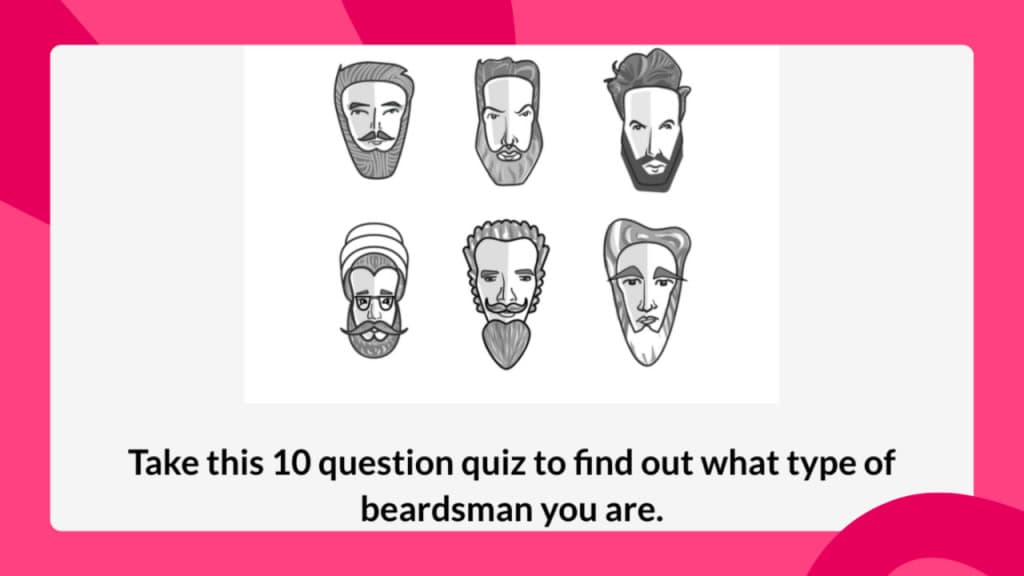
9. Quiz Maker - best for educators needing LMS features
What it does differently: Doubles as learning management system. Create courses, chain quizzes together, issue certificates.
Perfect for: Independent educators, course creators, small training businesses needing basic LMS without enterprise complexity.
Key strengths:
- Built-in student portal
- Certificate generation
- Course builder functionality
- Leaderboards and timers
Limitations: Interface feels dated. Limited customization. Not suitable for corporate environments.
Pricing: Free plan available. Paid plans from $20/month.
Use this when: You're running simple quizzes for students.
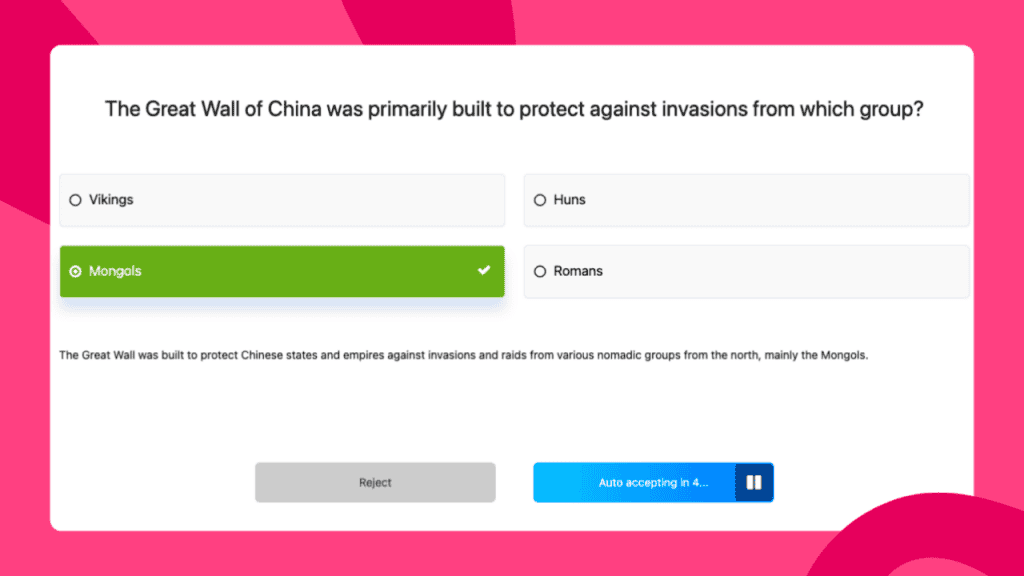
Best for education and student engagement
10. Wayground - best for self-paced student learning
What it does differently: Students work through quizzes at their own pace with memes and gamification. Focuses on individual learning rather than group competition.
Perfect for: Homework, asynchronous learning, classrooms where you want students progressing independently.
Key strengths:
- Huge library of pre-made educational quizzes
- Self-paced mode reduces pressure
- Detailed learning analytics
- Students actually enjoy using it
Limitations: Education-focused (not suitable for corporate). Limited live engagement features compared to Kahoot.
Pricing: Free for teachers. School/district plans available.
Use this when: You're a teacher assigning homework or practice quizzes students complete outside class time.
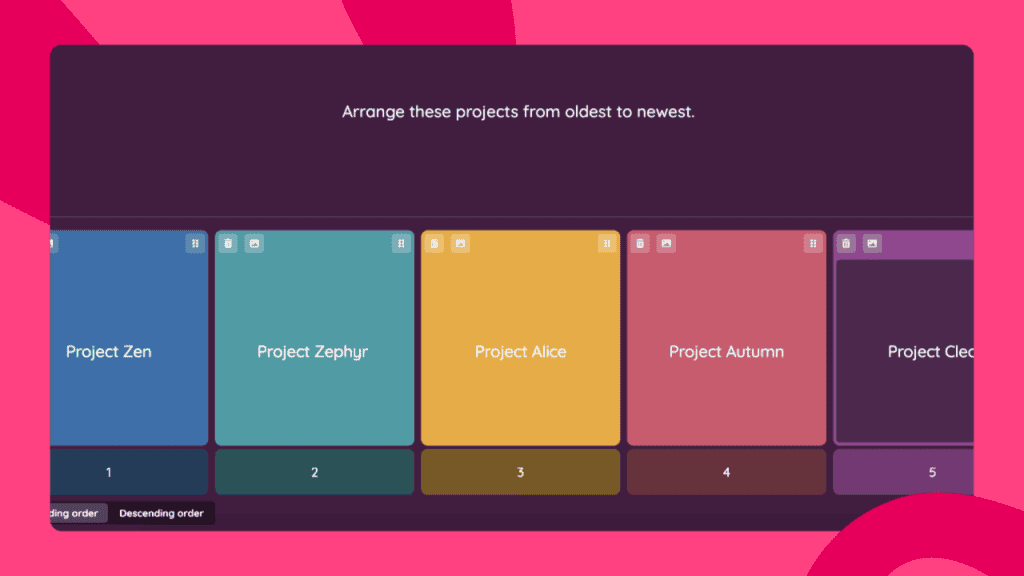
11. Canva - best for design-first simple quizzes
What it does differently: Design tool that added quiz functionality. Great for creating visually appealing quiz graphics, less robust for actual quiz mechanics.
Perfect for: Social media quizzes, printed quiz materials, situations where the visual design matters more than functionality.
Key strengths:
- Beautiful design capabilities
- Integrates with Canva presentations
- Simple, intuitive interface
- Free for basic features
Limitations: Very limited quiz functionality. Only supports single questions. No real-time features. Basic analytics.
Pricing: Free for individuals. Canva Pro from $12.99/month adds premium features.
Use this when: You're creating quiz content for social media or print, and visual design is the priority.
Quick comparison table
| Tool | Best for | Live quizzes | Free plan limit | Starting price |
|---|---|---|---|---|
| AhaSlides | Interactive presentations | Yes | 50 participants | $7.95/mo |
| Kahoot | Classroom games | Yes | 10 participants | $3.99/mo |
| Mentimeter | Large corporate events | Yes | 2 questions, 50 people | $13/mo |
| Slido | Q&A + polling | Yes | 100 participants | $17.50/mo |
| Google Forms | Simple free assessments | No | Unlimited | Free |
| ProProfs | Formal training/compliance | No | 8 questions | $20/mo |
| Jotform | Data collection + quizzes | No | 5 forms, 100 submissions | $34/mo |
| Typeform | Branded lead gen quizzes | No | 10 responses/mo | $25/mo |
| Quiz Maker | Educators needing LMS | No | 25 responses | $20/mo |
| Quizizz | Self-paced student learning | Optional | Generous for teachers | Free for teachers |
| Canva | Design-focused quizzes | No | Basic features | $12.99/mo |
How to pick the right one
Running live sessions? AhaSlides gives you the most flexibility for professional settings. Kahoot wins for playful classroom energy. Mentimeter scales best for large corporate audiences.
Need standalone assessments? Google Forms handles basics for free. ProProfs covers enterprise compliance and certification needs.
Capturing leads from your website? Typeform delivers the best visual experience for brand-conscious marketers.
Teaching students? Kahoot for live review games, Quizizz for self-paced homework.
Just need something free that works today? Google Forms for standalone quizzes. AhaSlides free plan for live interactive sessions.
Frequently asked questions
What is the best free online quiz maker?
It depends on your use case. For live interactive quizzes during presentations, AhaSlides offers the most generous free plan with 50 participants and unlimited quizzes. For standalone assessments, Google Forms is completely free with no limits. For self-paced student quizzes, Quizizz is free for teachers.
Can I create a quiz with AI?
Yes. AhaSlides, ProProfs, Kahoot, and several other platforms now include AI quiz generators that create questions from topics, documents, or URLs. This typically reduces quiz creation time from 30+ minutes to under 5 minutes.
What's the difference between a quiz maker and a survey tool?
Quiz makers score responses and provide results (correct/incorrect, personality type, or recommendation). Survey tools collect opinions without right or wrong answers. Some platforms like SurveyMonkey and Jotform bridge both categories, but dedicated quiz makers typically offer better scoring, leaderboards, and engagement features.
Do participants need to download an app?
Most modern quiz platforms are browser-based, meaning participants join via a link or QR code on any device. Kahoot has an optional app but works in browsers. AhaSlides, Mentimeter, and Slido are fully browser-based with no downloads required.
Which quiz maker works best for corporate training?
For live training sessions with real-time interaction, AhaSlides provides the professional aesthetic and multi-format engagement most trainers need. For formal assessments requiring compliance tracking and certification, ProProfs is the stronger choice. Many organizations use both - AhaSlides for delivery and engagement, with a separate platform handling formal assessment records.