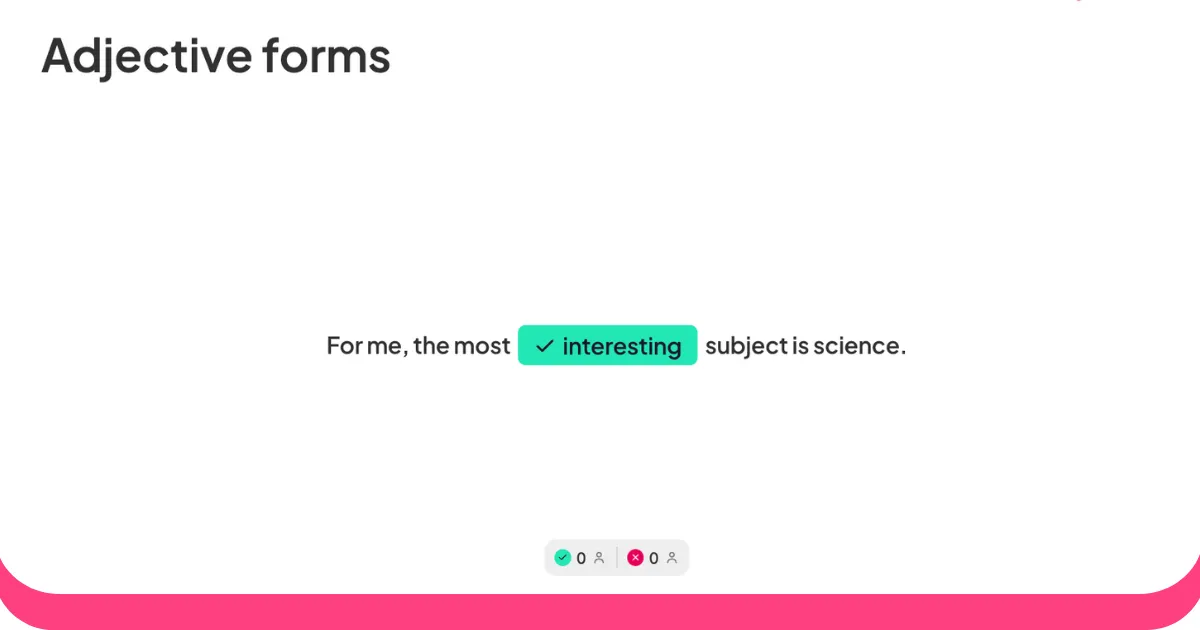



The average teacher manages five different jobs simultaneously: instructor, administrator, behavior manager, communicator, and data analyst. The right digital tools do not just save time on one of those jobs. They change how well the others go.
This guide covers why passive instruction falls short, the management principles that underpin effective classrooms, and three tools that educators use daily to make sessions run better.
Why passive instruction falls short
Two problems consistently drive low engagement in conventional classrooms.
One-way delivery loses learners fast. When a teacher is the sole source of information and students have no active role, attention drifts quickly. A 2014 meta-analysis of 225 studies found that exam scores rose by about 6% in active learning classes, and that students in traditional lectures were 1.5 times more likely to fail [1]. The difference is not marginal; it is structural.
Passive learners disengage from the content. Students who only receive information, rather than process and respond to it, develop surface-level understanding. They memorize enough for the test, then forget. Without opportunities to ask questions, surface confusion, or apply concepts in the moment, gaps in understanding accumulate invisibly until assessment time.
The practical fix is to layer structured interaction into ordinary lessons. Polls, quizzes, discussions, and behavior feedback systems all serve this function. The tools below make that interaction feasible at scale.
Management principles that underpin effective classrooms
These strategies apply regardless of which tools you use.
Students perform better when they understand exactly what is expected. Post routines visibly, use automated reminders for recurring deadlines, and track adherence consistently so problems surface early rather than compound over weeks.
Positive reinforcement, applied specifically and promptly, is more effective than reactive correction. The goal is to make good behavior visible and valued. Digital tools let you do this in real time without interrupting the lesson.
Off-task behavior is much easier to prevent than correct. When students are responding to a poll, competing in a quiz, or submitting a question anonymously, there is no attention gap for distraction to fill. Build at least one interactive moment into every 15 to 20 minutes of instruction.
Delayed feedback is less effective than immediate feedback. When you can flag an issue, redirect privately, and move on without breaking the lesson's flow, both the student and the class benefit.
Three tools cover most classroom needs. Google Classroom handles assignment management, grading, and parent communication. ClassDojo handles behavior tracking and family engagement. AhaSlides handles live polls, quizzes, and real-time comprehension checks. Used together, they cover the logistics, the behavioral environment, and the instructional loop.
1. Google Classroom
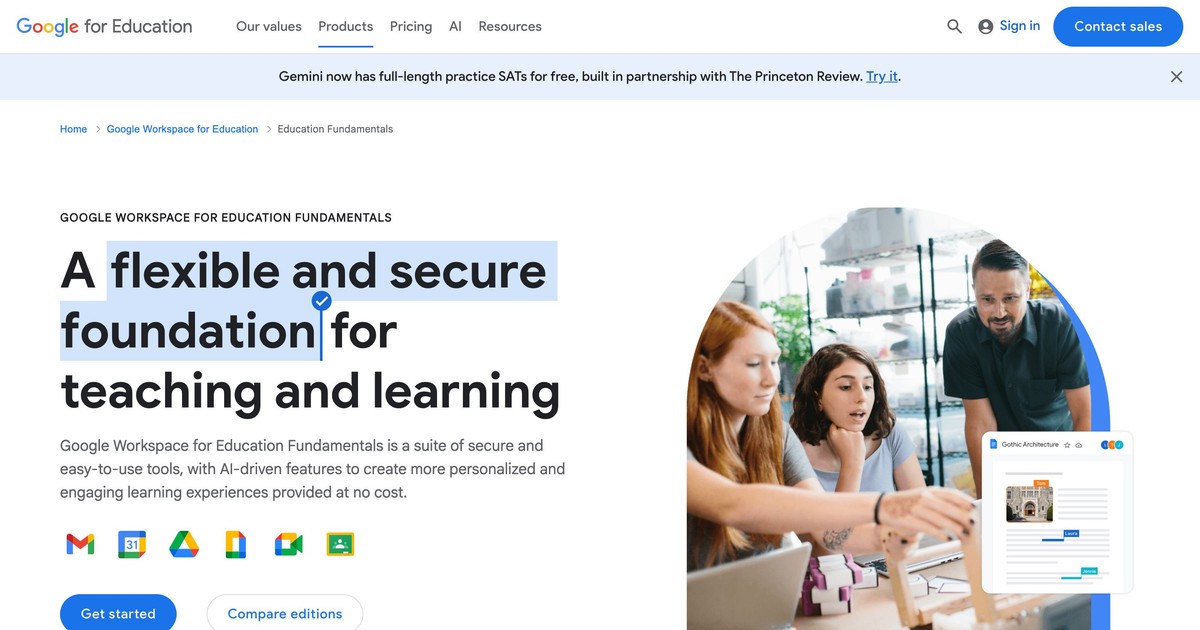
Google Classroom is a free learning management system that connects directly to Google Docs, Slides, Drive, Forms, and Meet. It is free for schools through Google Workspace for Education and remains actively maintained in 2026.
What it solves: Assignment distribution that reaches every student instantly, with no paper, no lost handouts, and a permanent record of what was assigned and when. Grading that happens in one place, with rubrics, comments, and grades all visible to students and parents. Communication that keeps families informed without requiring teachers to manage separate email threads. Integration with the Google tools most schools already use, so there is no parallel system to maintain.
How to use it well: Use consistent naming conventions for every assignment so the grade history is readable months later. The Schedule feature lets you publish assignments when students are most likely to see them. Pin frequently referenced materials to the top of the stream. Enable guardian summaries at the start of term so families have context before any issues arise.
2. ClassDojo
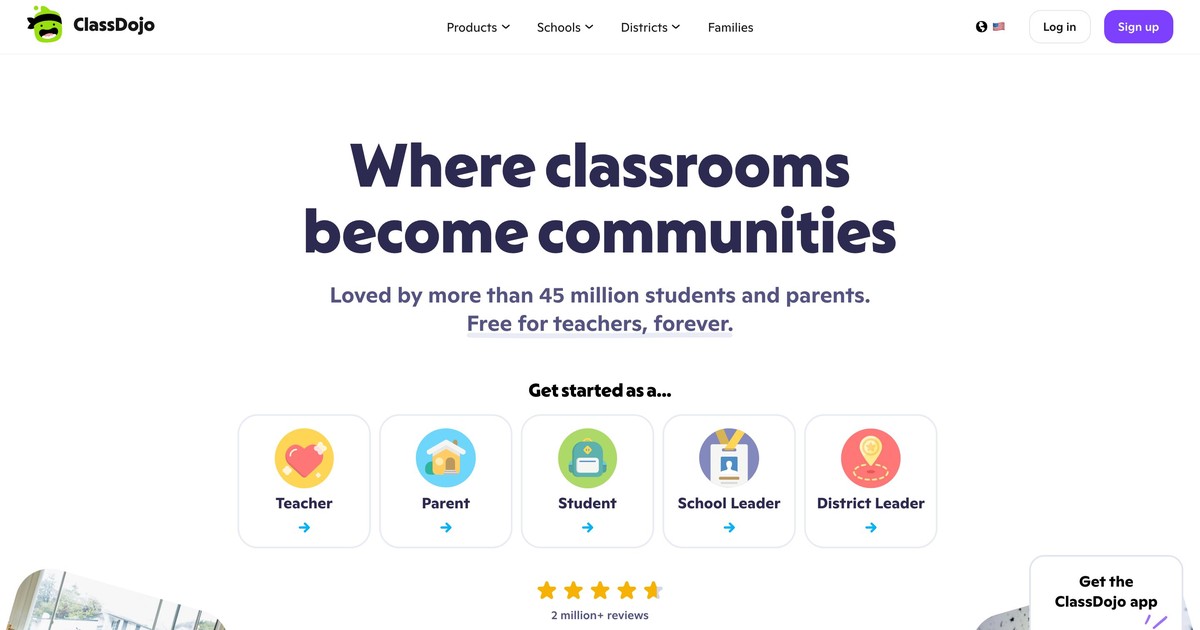
ClassDojo is a behavior management and family communication platform used widely in K-8 schools. It is free for teachers, students, and parents, with a paid ClassDojo Plus tier for additional features. The platform is active and unchanged in 2026.
What it solves: Behavior tracking that happens in real time, during the lesson rather than reconstructed at the end of the day. Family communication that shows parents what is happening in the classroom, not just when something goes wrong. A positive classroom culture built on specific, visible recognition rather than reactive correction. A shared language between school and home that reinforces the same expectations in both places.
How to use it well: Define five to seven specific positive behaviors at the start of the year, tied to your school's values, and introduce the system to parents at the same time. Award points specifically: name the behavior you observed, not just the student. Share regular class photos so parents see learning in progress, not just conduct scores. Keep individual behavioral conversations private.
3. AhaSlides
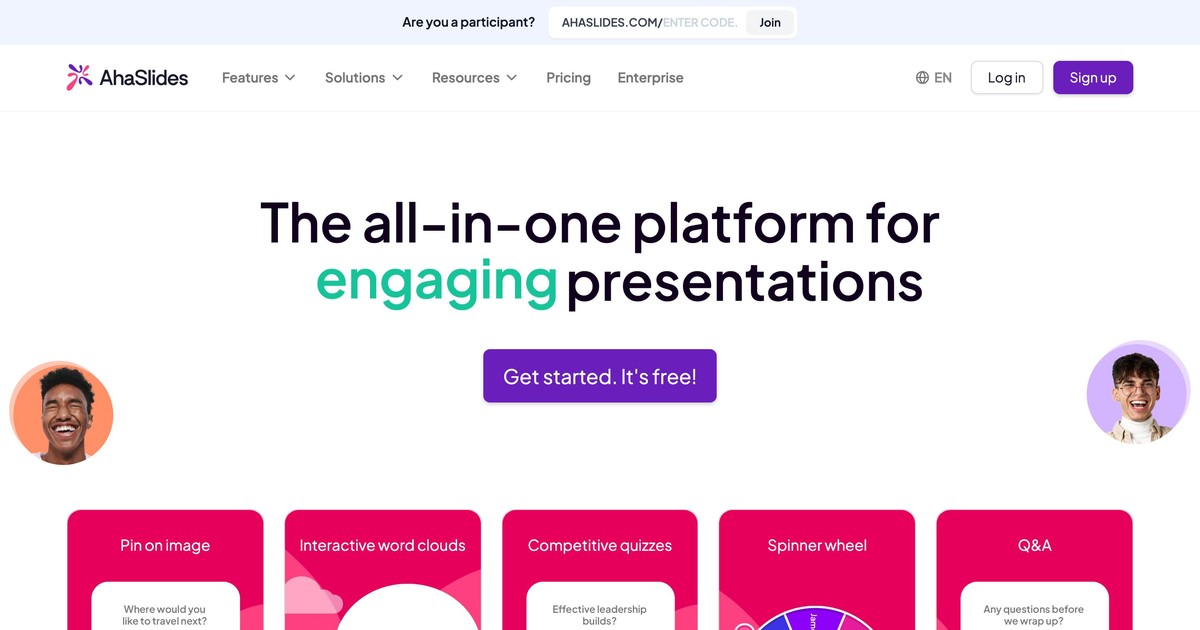
AhaSlides is an interactive polling and quiz platform that runs in any browser. Students join via a room code on their phone, with no account needed. Teachers embed polls, quizzes, word clouds, open-ended questions, and Q&A slides directly into their lesson flow. The free plan covers up to 50 participants per session.
What it solves: The invisibility problem. In a conventional lesson, a teacher cannot tell who understood the last explanation and who did not. AhaSlides makes comprehension visible in real time. It also solves the participation problem: when every student responds simultaneously on their own device, the quieter students contribute as much as the confident ones. And it solves the data problem: instead of guessing what to revisit next lesson, teachers see exactly which questions caused difficulty.
How to use it well: Start each lesson with a prior-knowledge poll to activate what students already know and calibrate where to begin. Drop a comprehension check at the midpoint: a multiple-choice question with plausible distractors surfaces misconceptions before they calcify. Use a short quiz for review. Close with an exit ticket: one question on what was learned, one on what is still unclear. Test the presentation 15 minutes before class to avoid technical issues.
Use the results as the next discussion, not just as a data point to click past. A word cloud showing 40% of students associating "democracy" with a misconception is a better lesson opener than anything you planned.
4. EMStudio
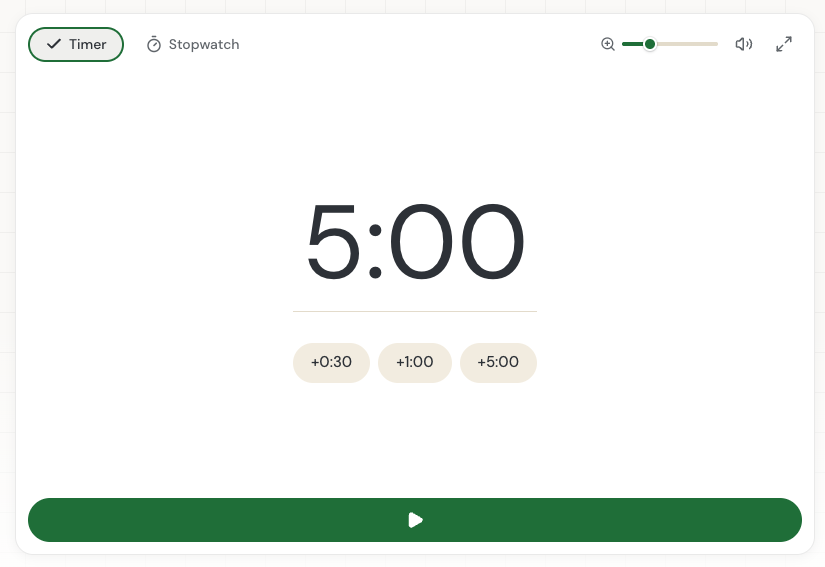
EMStudio is an online teacher planner that brings lesson planning, class organization, attendance, and grading into one workspace. Its free classroom timer is useful for visible countdowns during activities, transitions, and timed assessments, helping teachers keep lessons moving without adding another classroom tool.
The case for using digital tools consistently
Using these tools in combination changes what is possible in a classroom. Google Classroom handles the logistics so teachers spend less time on administration. ClassDojo handles the behavioral environment so attention stays on learning. AhaSlides handles the instructional loop so comprehension is visible and interactive, not assumed.
For educators building out full self-paced units alongside live lessons, the AhaSlides Online Course Builder extends that same interactive toolkit into structured courses students can work through independently.
None of these tools requires significant setup time or technical expertise. All three have free tiers that cover most classroom needs. The barrier to starting is lower than most teachers expect. AhaSlides is free to start, and students join from any device with no account required.
Sources
[1] Freeman, S., Eddy, S. L., McDonough, M., Smith, M. K., Okoroafor, N., Jordt, H., & Wenderoth, M. P. (2014). Active learning increases student performance in science, engineering, and mathematics. Proceedings of the National Academy of Sciences, 111(23), 8410-8415. https://doi.org/10.1073/pnas.1319030111