

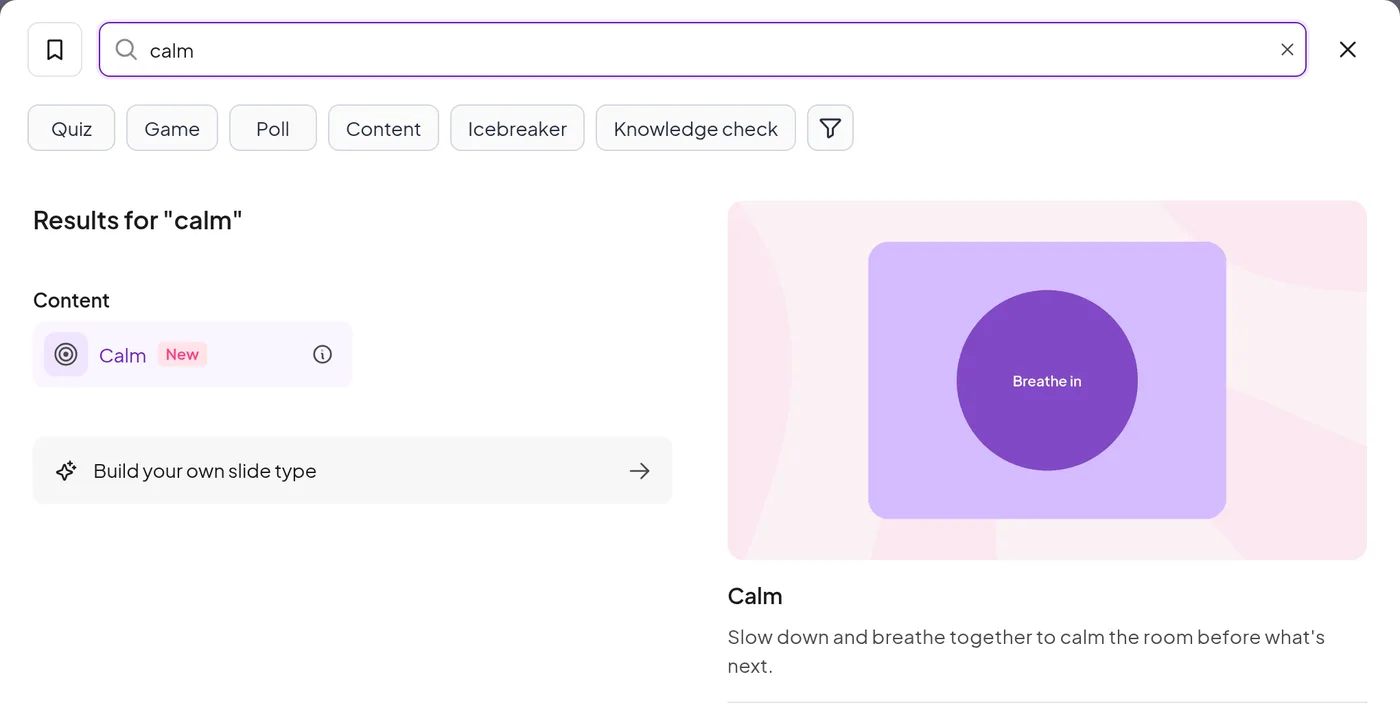
A slow circle grows and shrinks on your screen while everyone breathes along, with soft sound and an optional guiding voice.
Trusted by teams and schools worldwide







Click New slide and choose Calm.
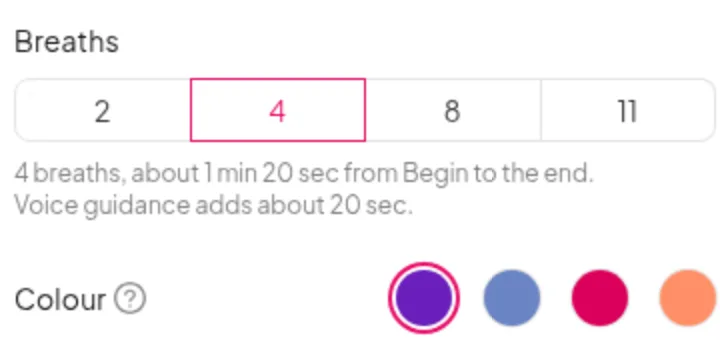
Pick 2, 4, 8 or 11 breaths, one of four colours, a background sound and an optional voice.
The slide waits until you are ready.

One slide, a minute or two. Drop it in wherever the room needs a reset.
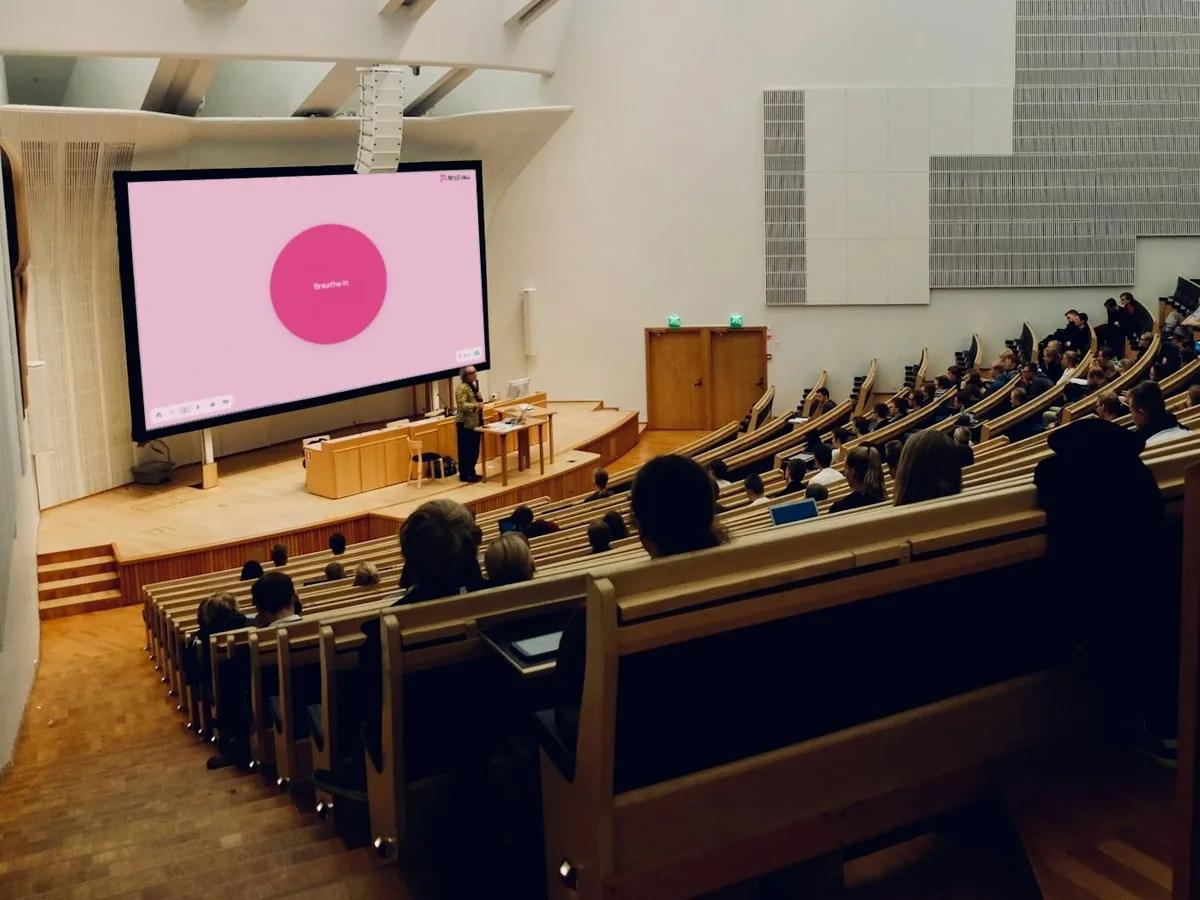
Open with a minute of breathing so people arrive and settle.
How: Make Calm your first slide and keep the default 4 breaths.
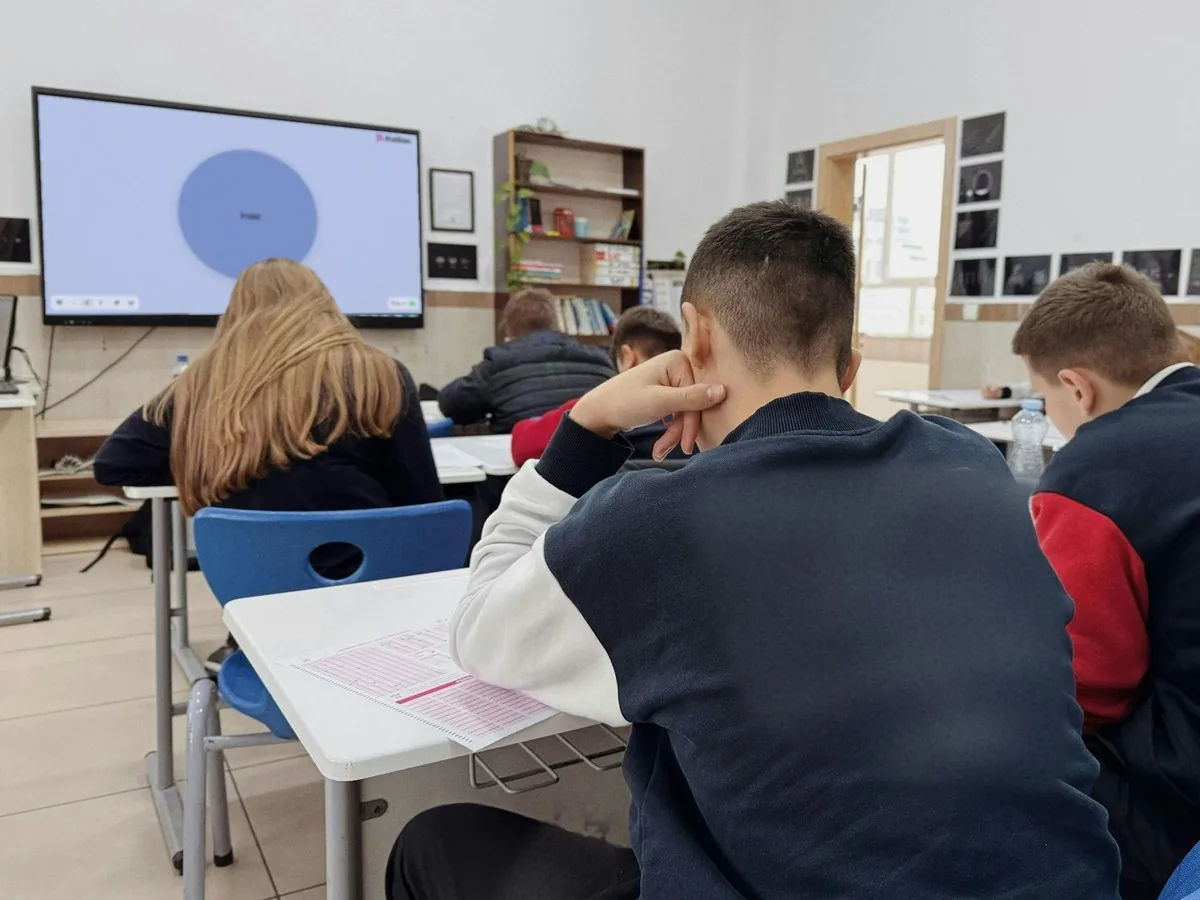
Give nervous learners a moment to steady themselves.
How: Put it just before question one and choose 2 breaths for a short pause.
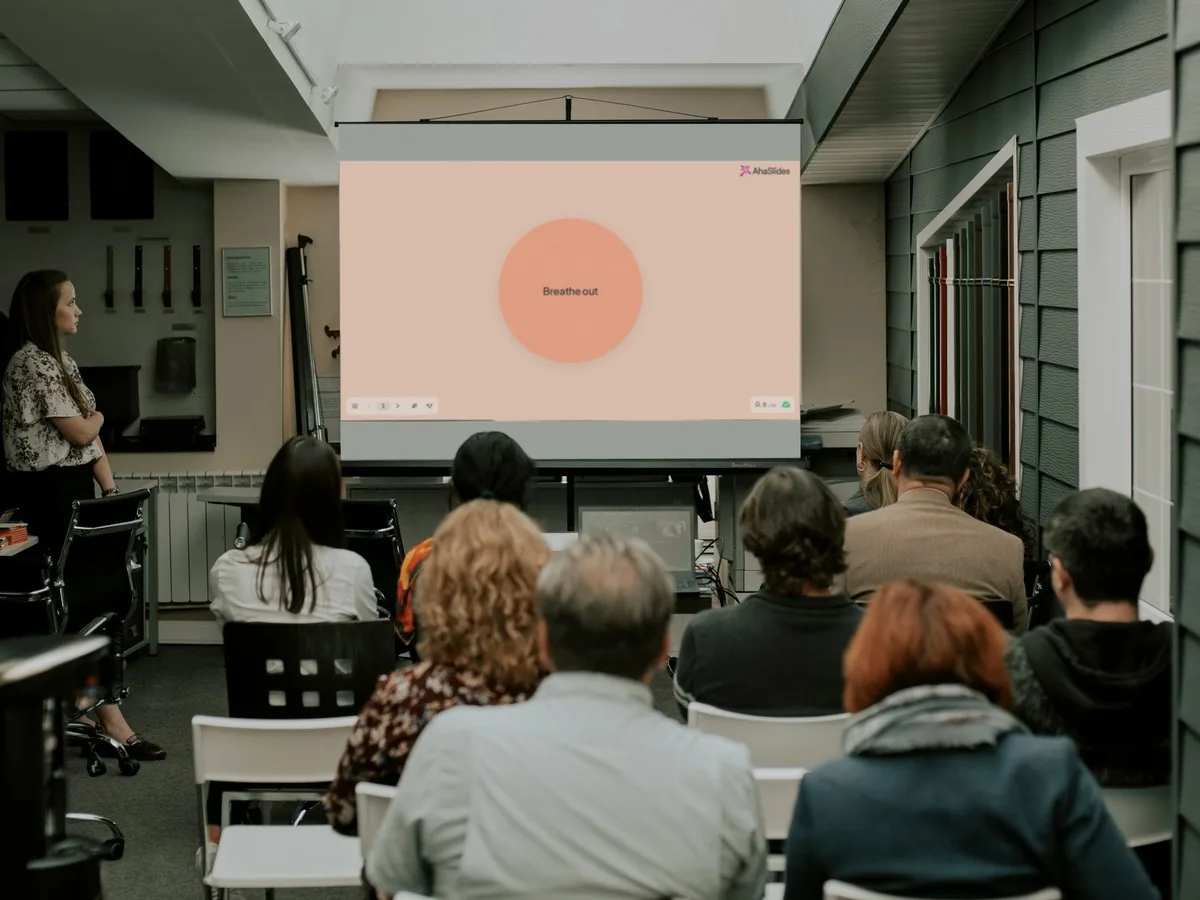
Bring the energy down after a loud game or quick-fire quiz.
How: Add it after your busiest slide, with the Breeze sound.

Close a hard topic gently before you move on.
How: Choose 8 breaths and keep voice guidance on for a spoken lead-in.
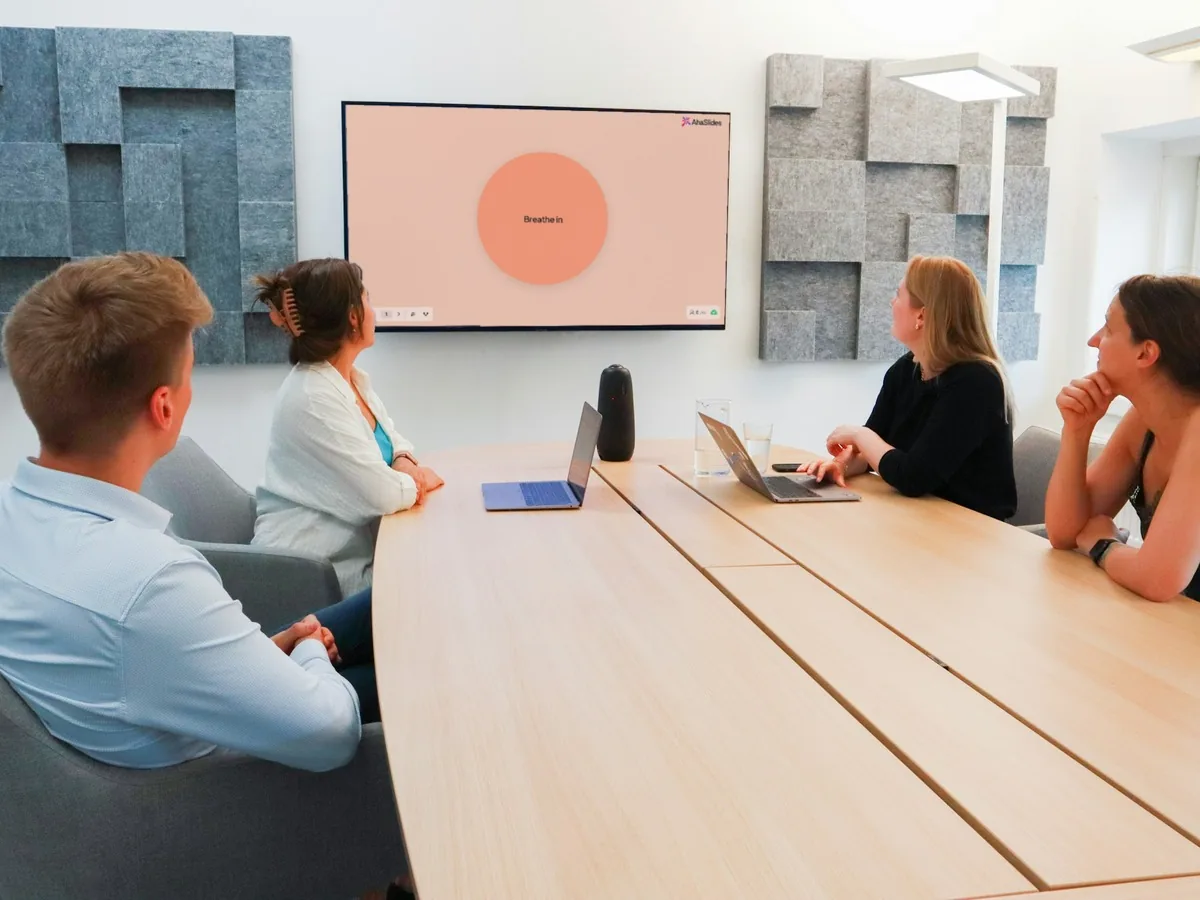
Build a quiet pause into a long session or a wellbeing hour.
How: Choose 11 breaths with the Water sound for a longer wind-down.
“The platform's intuitive design allows for quick setup of quizzes and polls, making it ideal for both educators and corporate trainers.”
“Their interface is suited for easy slide prep, and easy access to users.”
“The initial setup was also simple, which made the transition smooth.”
“Aha is sleek, professional, and most definitely easy to use.”
“There are many quiz options, and it's easy to use and pretty quick.”
No. Their phones say "Look up. This moment is on the main screen." Nobody votes or scores, and nothing is collected, so there is nothing in your report.
Each breath takes 16 seconds: in for 4, hold for 4, out for 6, rest for 2. The default of 4 breaths runs about 1 min 20 sec from Begin to the end, and voice guidance adds about 20 sec.
Yes. Turn Sound and Voice guidance off and the circle and cues still run, or write your own voice script and press Generate. Sound plays from the presenting screen only, so use your speakers or share your computer audio online.
Yes. Pause and resume with Enter, restart with R, or replay once it has finished.
Calm is on every plan, including Free. It collects no answers, so it does not count towards any limit.